
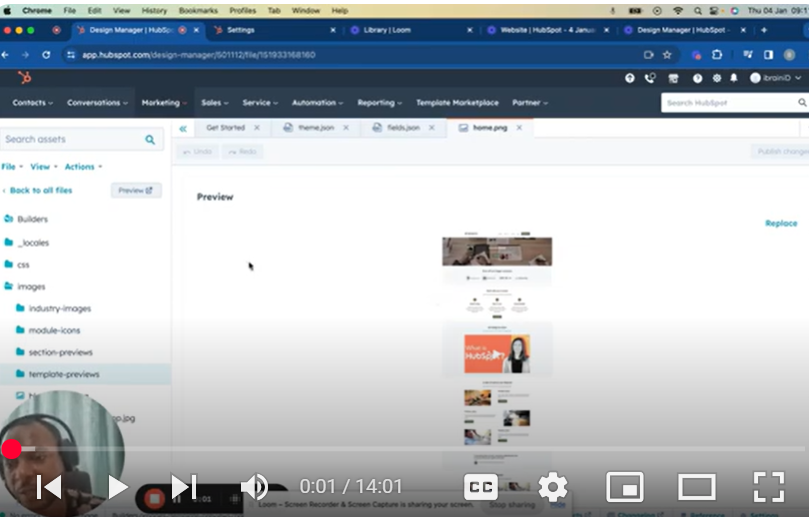
Welcome to Part 2 of the ‘Mastering HubSpot CMS Theme’ series. In this tutorial, titled ‘How to Create a Module,’ we dive deeper into the world of HubSpot CMS, focusing on the practical aspects of module creation for site pages, blog posts, and landing pages.
🛠️ In This Video, You Will Learn:
Module Creation Basics: Step-by-step guidance on creating a custom module in HubSpot, starting with naming and creating a basic structure.
Adding and Labeling Fields: Discover how to add custom fields to your module and the importance of consistent labeling for ease of use.
Incorporating HTML, CSS, and JavaScript: Tips on integrating these key web technologies to enhance the functionality and design of your module.
Building with Grid Layout: Learn how to use CSS grid layout to create responsive designs, like a 3-column card layout.
Using Repeaters for Dynamic Content: An introduction to repeaters in HubSpot, enabling you to manage content dynamically, especially when dealing with multiple elements.
Previewing and Implementing Your Module: Demonstrations on how to preview your module and integrate it into a HubSpot page.
🔗 Looking Ahead – Part 3: Stay tuned for the next installment where we’ll explore more on custom modules and general theme management in HubSpot CMS.
📚 Additional Resources: For deeper insights and additional information, check out the links in the description.
👍 Found this tutorial helpful? Please like, share, and subscribe for more in-depth content on mastering HubSpot CMS.
💬 We Value Your Feedback! If you have any questions or suggestions, please leave them in the comments section below. Your engagement helps us create better content tailored to your needs.
🔍 Missed the previous parts? Get caught up:
Part 1: • Mastering HubSpot CMS: Part 1 – How to Cre…
SUBSCRIBE
https://www.youtube.com/@BACHOTMPUNGA…
Need help? Ping me on LinkedIn
/ bachot-mpunga-bashala-b834191b
HubSpotCMS #ModuleCreation #WebDesign #CMSDevelopment #DigitalMarketing #HubSpotTutorial #CustomModules
Leave your comment