
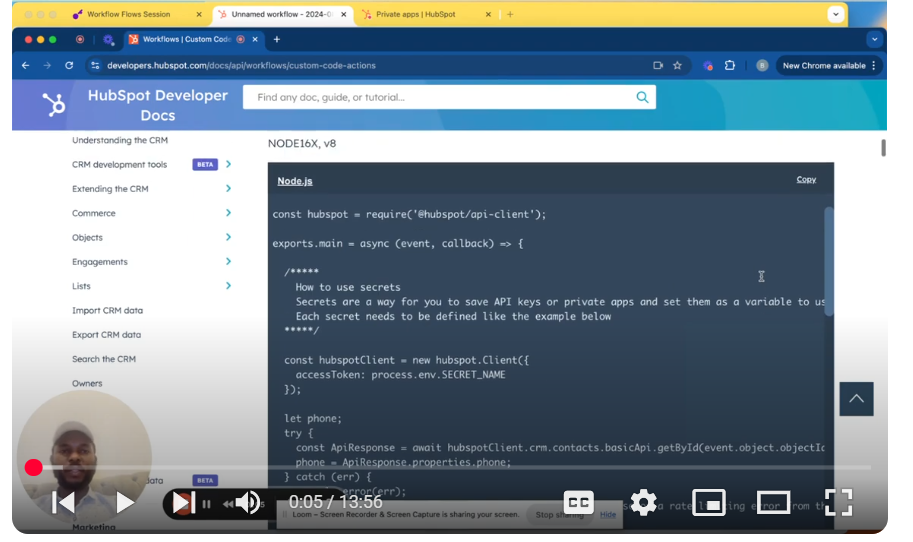
Delve into the intricacies of API integration within HubSpot using workflow custom coded actions in this third installment of the “Mastering HubSpot API” series. This episode guides you through the step-by-step process of setting up and testing custom coded actions within HubSpot workflows, highlighting essential aspects like API key generation, integration setup, and data manipulation. Whether you’re a developer or a HubSpot user looking to automate processes and integrate with external systems, this tutorial offers practical insights to elevate your HubSpot API skills.
📄 Key Highlights: Custom Coded Actions: Learn how to navigate HubSpot’s workflow environment and implement custom coded actions for API integrations. API Key Management: Understand the process of generating and securely handling API keys within HubSpot’s private apps settings. Workflow Setup: Explore how to create contact-based workflows, set triggers, and utilize custom coded actions for dynamic data handling. Data Optimization:
Discover techniques to optimize API calls by integrating data directly from HubSpot’s CRM, reducing unnecessary API requests. Practical Testing: Follow along with practical examples to test and validate your custom coded actions, ensuring seamless API integrations.
🚀 Getting Started: Start by setting up your API keys and workflows in HubSpot, ensuring your integrations are secure and efficient.
💡 Learn More: For a deeper dive into HubSpot’s custom coded actions and API integrations, check out the complete documentation and additional resources provided by HubSpot.
📺 Appreciate this tutorial? Don’t forget to like, share, and subscribe for more in-depth guides on mastering HubSpot API integrations.
Leave your comment