
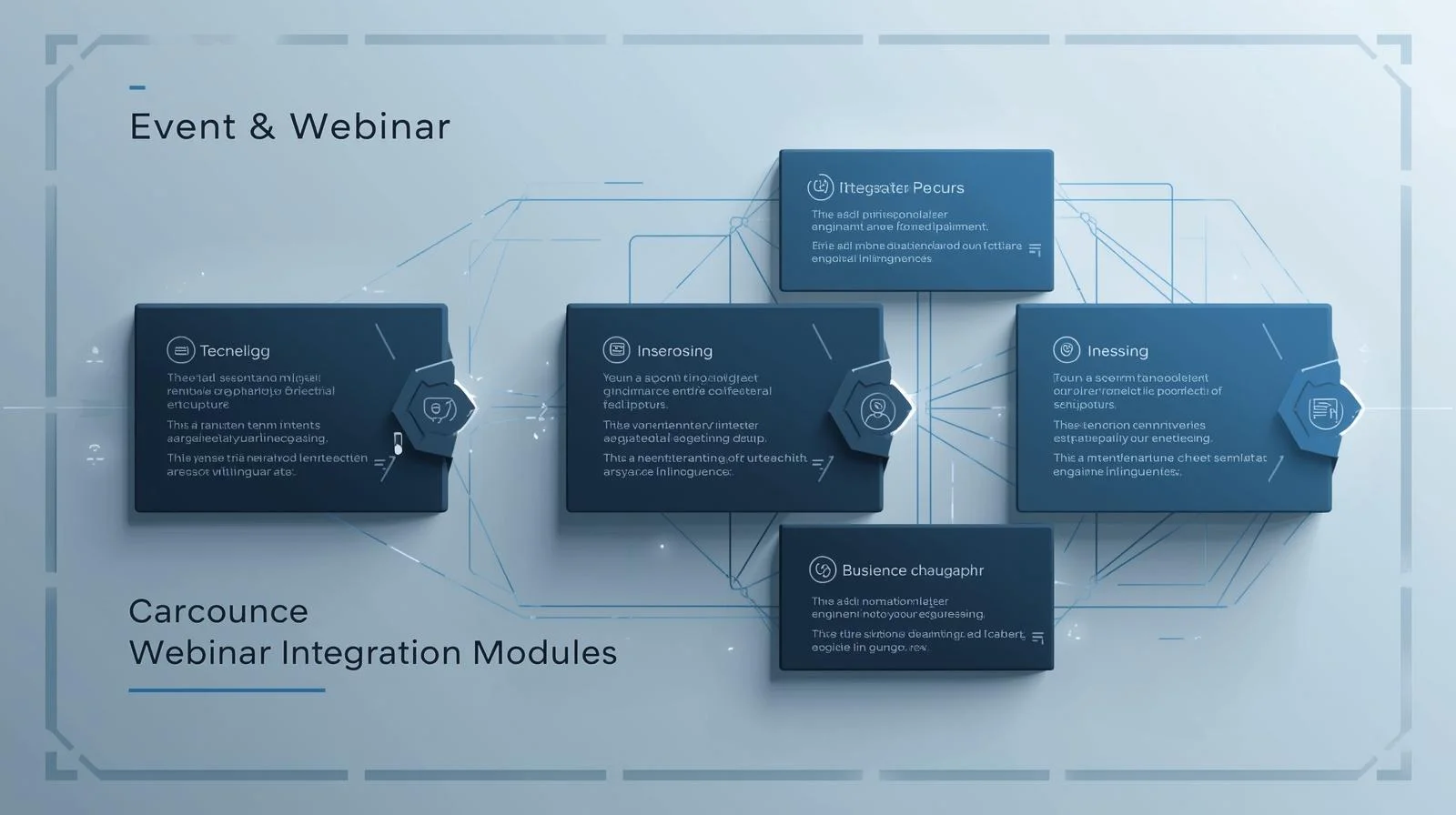
Event & Webinar Integration Modules
-
0 sales
- 275 views
- Save
0 /5.0
User review


Overview
We help organizations implement Event & Webinar Integration Modules that streamline the planning, promotion, registration, engagement, and follow-up processes around virtual and in-person events. By integrating webinar tools with CRM, marketing automation, and analytics platforms, we enable scalable event operations and measurable audience engagement.
Objectives
-
Centralize event and webinar operations across tools and platforms
-
Automate attendee registration, reminders, and post-event follow-ups
-
Sync engagement data with CRM and marketing automation systems
-
Enable real-time reporting on attendance, engagement, and conversions
-
Enhance the attendee experience with branded, personalized interactions
Key Services
1. Platform Strategy & Selection
-
Evaluate client needs for live, hybrid, or on-demand events
-
Recommend or integrate platforms such as:
-
Zoom Webinars / Zoom Events
-
GoToWebinar
-
ON24
-
Microsoft Teams
-
Webex
-
Hopin / Airmeet / Demio / BigMarker
-
-
Ensure compatibility with CRM, ESP, and analytics tools
2. Registration & Sign-Up Modules
-
Create branded, mobile-optimized registration forms or landing pages
-
Integrate registration with CRM (e.g., Salesforce, HubSpot, Marketo)
-
Enable dynamic field population based on user profiles
-
Set up auto-tagging and segmentation upon sign-up
3. Calendar, Reminder & Notification Flows
-
Add calendar integration (Google, Outlook, iCal)
-
Send automated confirmation, reminder, and “join now” emails
-
Set up SMS or push notifications (optional)
-
Schedule time zone–aware reminders and follow-ups
4. CRM & Marketing Automation Sync
-
Sync attendee and engagement data (e.g., attended, duration, poll answers) with CRM
-
Trigger workflows based on:
-
Attended vs. no-show
-
High engagement (e.g., Q&A or chat interaction)
-
Downloaded content or clicked CTAs
-
-
Automatically score leads based on webinar behavior
5. Live Engagement & In-Webinar Tools
-
Integrate features like:
-
Live polling, chat, Q&A, handouts
-
Interactive CTAs (e.g., book a demo, visit a landing page)
-
In-webinar surveys
-
-
Optional: Real-time personalization based on known user data
6. Post-Event Follow-up & Nurture Flows
-
Send thank-you emails, recordings, and related resources
-
Personalize based on attendance or interaction
-
Route high-quality leads to sales or nurture paths
-
Build post-event reports with:
-
Attendance rate
-
Engagement metrics
-
Attribution to opportunities or deals
-
Optional Advanced Features
-
On-Demand & Evergreen Webinar Integration: Capture registrations and track engagement long after the event
-
Event Analytics Dashboards: Real-time reporting on registration, attendance, drop-off, and conversion
-
Multiple-Session Event Hubs: Create event series or full-day virtual conferences
-
Multi-language Support: Translate registration flows, emails, and webinar interfaces
-
Dynamic Content Blocks: Auto-customize follow-ups based on attendee behavior or persona
Ideal Use Cases
| Scenario | Benefit |
|---|---|
| SaaS Companies | Scale lead gen webinars, product demos, and onboarding events |
| B2B Marketing Teams | Drive qualified leads through thought leadership webinars |
| E-commerce & DTC Brands | Host live product launches, Q&As, or VIP events |
| Educational Providers | Run certification, training, or online class sessions |
| Enterprise Sales | Personalize engagement with targeted event invitations and demos |
Additional services
-
0 $
-
0 $
-
0 $
-
0 $
-
0 $