
Deal Stage-specific Reporting Dashboards
-
0 sales
- 279 views
- Save
0 /5.0
User review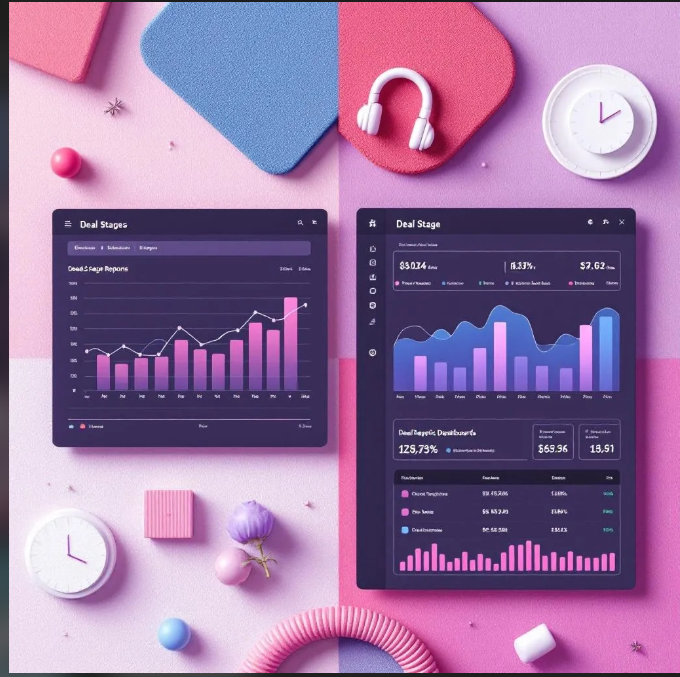
Scope of Work: Deal Stage-Specific Reporting Dashboards
1. Discovery & Audit
- Review current sales processes, pipeline stages, and reporting methods.
- Audit CRM and analytics platforms for integration readiness.
- Identify business goals: improve pipeline visibility, track deal progression, optimize forecasting, and enhance sales performance.
- Map sales stages, KPIs, and relevant metrics for reporting.
2. Strategy & Planning
- Define dashboards for each deal stage:
- Lead Qualification
- Proposal/Negotiation
- Contract Sent
- Closed-Won / Closed-Lost
- Identify key metrics per stage: deal value, conversion rate, time in stage, win probability, and stage-specific bottlenecks.
- Determine segmentation: by sales rep, team, region, product line, or campaign.
- Establish reporting frequency: real-time, daily, weekly, or monthly.
3. Data Integration & Mapping
- Consolidate CRM, sales, and related data into a unified reporting system.
- Standardize deal stage definitions and metrics across teams.
- Map data fields from CRM to reporting dashboards, ensuring consistency.
- Enable real-time or scheduled data updates for accuracy.
4. Dashboard Design & Implementation
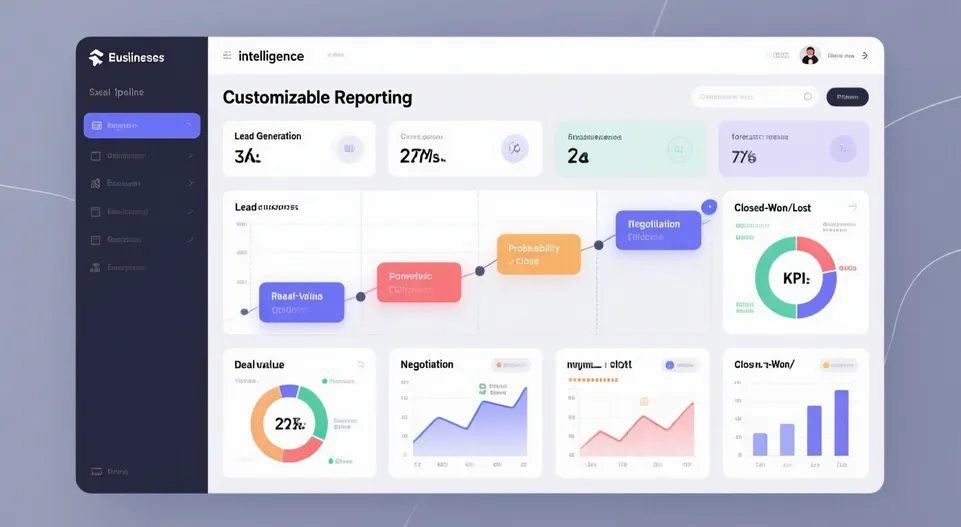
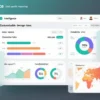
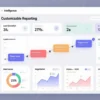
- Create intuitive, visual dashboards for each deal stage.
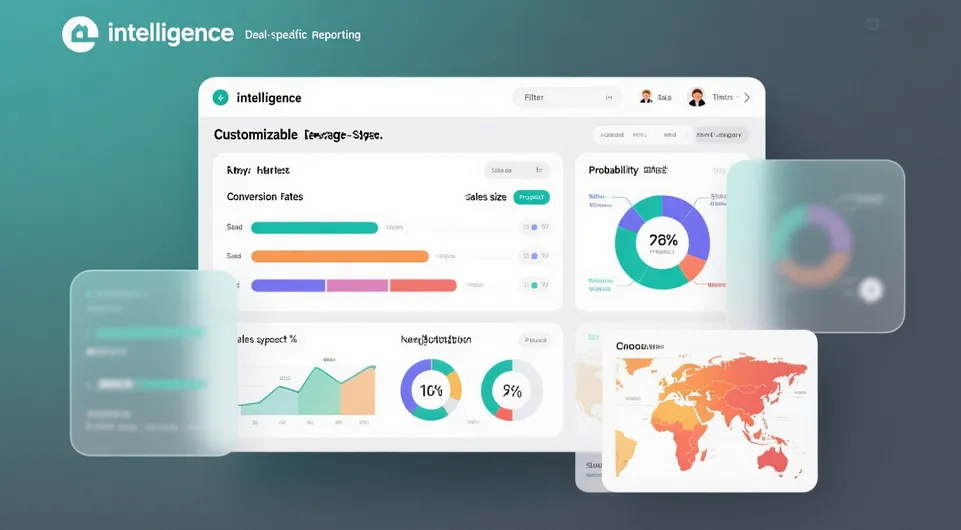
- Include charts, graphs, and KPIs tailored to stage-specific performance.
- Enable filtering by sales rep, region, product, or timeframe.
- Incorporate drill-down capabilities for deeper insights into deals, opportunities, and activities.
- Ensure dashboards are accessible on desktop and mobile devices.
5. Workflow & Automation
- Automate updates from CRM to dashboards for real-time visibility.
- Trigger alerts or notifications for deals stuck in a stage beyond expected duration.
- Automate summary reports to management and sales teams for performance review.
- Integrate dashboards with forecasting, goal tracking, and incentive programs.
6. Testing & QA
- Validate data accuracy for each deal stage and metric.
- Test filters, drill-downs, and real-time updates.
- Ensure dashboards reflect changes in CRM without delays or discrepancies.
- Confirm usability and readability across devices.
7. Reporting & Analytics
- Track metrics such as:
- Average time in stage
- Stage conversion rates
- Deal value distribution per stage
- Sales rep performance
- Forecasted revenue based on stage progression
- Enable trend analysis and predictive insights to optimize sales strategies.
8. Optimization
- Refine dashboard visualizations and metrics based on user feedback.
- Update KPIs and stage definitions as sales processes evolve.
- Implement A/B testing for different dashboard layouts or metrics for better decision-making.
- Align dashboards with sales incentives and performance targets.
9. Ongoing Monitoring & Support
- Monitor dashboard performance, data sync, and accuracy.
- Update dashboards for new sales stages, products, or reporting requirements.
- Provide training and documentation for sales and management teams.
- Conduct periodic reviews to ensure dashboards continue to meet business objectives.
Value Delivered
- Clear visibility into deal progression and pipeline health.
- Stage-specific insights enabling faster decision-making and problem resolution.
- Improved sales performance tracking and forecasting accuracy.
- Reduced manual reporting effort and enhanced data-driven management.
- Scalable dashboards adaptable to evolving sales strategies and business growth.
Additional services
-
0 $
-
0 $
-
0 $
-
0 $
-
0 $