
CRM-integrated Support Ticket Systems
-
0 sales
- 283 views
- Save
0 /5.0
User review
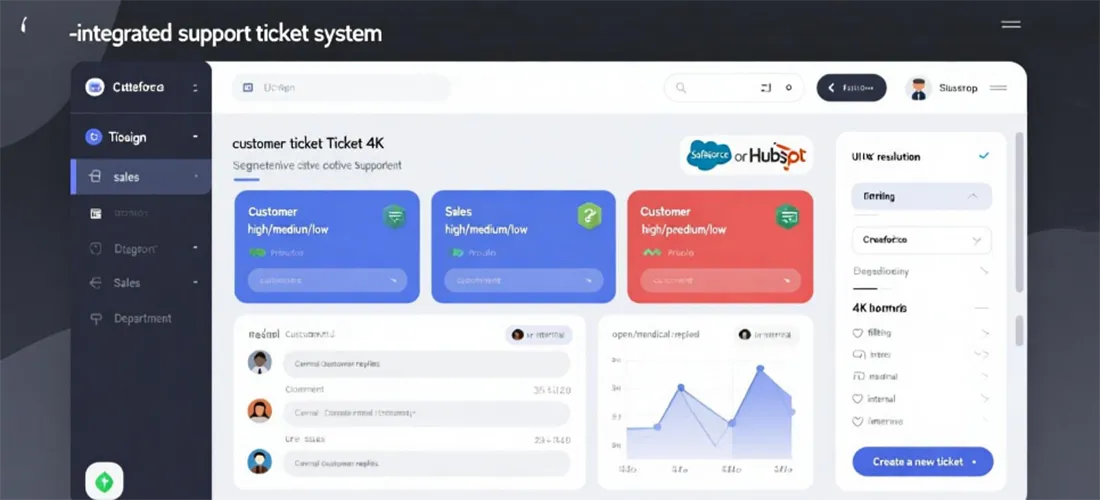
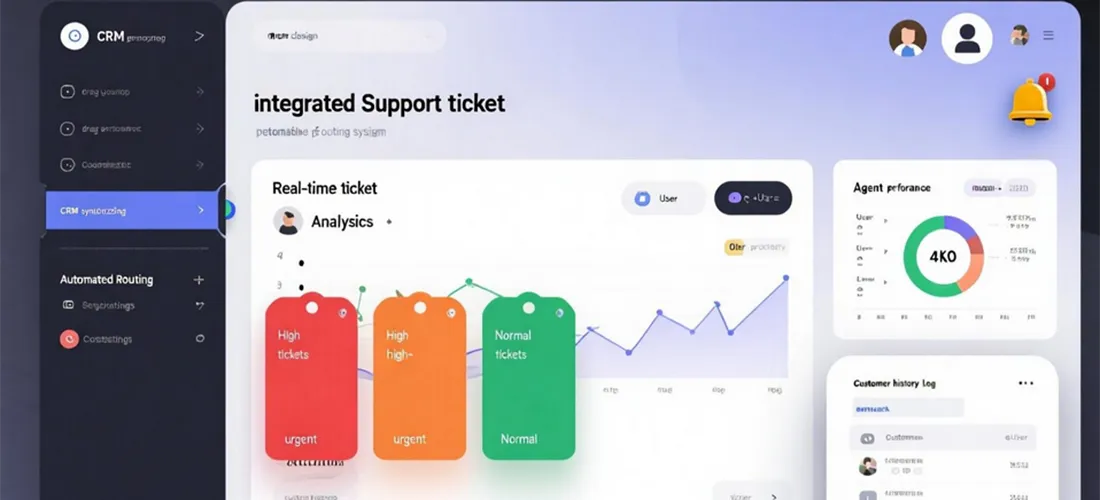

Scope of Work: CRM-Integrated Support Ticket Systems
1. Discovery & Audit
- Review client’s current support process and tools.
- Identify gaps in handling customer issues (delayed responses, lack of visibility, poor tracking).
- Map existing CRM capabilities and integrations.
- Define goals: faster resolution, better customer experience, centralized data.
2. Strategy & Planning
- Determine support channels to integrate (email, chat, phone, social, web forms).
- Define ticket lifecycle stages (new, open, in-progress, escalated, resolved, closed).
- Establish SLAs, response times, and escalation rules.
- Decide on ticket assignment logic (round-robin, skill-based, priority-based).
3. Workflow Design
- Ticket Creation: Automatic ticket generation from all channels inside CRM.
- Routing & Assignment: Auto-assign to relevant team or agent.
- Escalation Rules: Trigger notifications if SLA is at risk.
- Customer Updates: Automated status updates via email/SMS.
- Knowledge Base Integration: Suggested articles for agents/customers.
- Feedback Loop: Request customer satisfaction (CSAT/NPS) after resolution.
4. Implementation
- Configure CRM ticketing module or integrate third-party system (Zendesk, Freshdesk, ServiceNow) with CRM.
- Set up workflows for ticket creation, assignment, escalation, and closure.
- Enable two-way sync between CRM and ticketing system (customer data, history, interactions).
- Create unified customer profiles linking sales, support, and marketing data.
5. Optimization
- Automate common responses with templates or chatbots.
- Implement AI-powered ticket tagging and sentiment analysis.
- Prioritize tickets based on customer type (VIP, new customer, at-risk).
- Align support processes with customer journey stages in CRM.
6. Testing & QA
- Test ticket creation from all support channels.
- Validate automated routing, SLA timers, and escalation triggers.
- Confirm customer communications (updates, closure emails) are accurate.
- Ensure data syncs correctly with CRM profiles.
7. Reporting
- Track metrics such as:
- Average response time
- Average resolution time
- Ticket backlog
- SLA compliance rate
- Customer satisfaction scores (CSAT, NPS)
- Provide dashboards for management and support teams.
8. Ongoing Monitoring & Support
- Regular audits of ticket workflows and SLAs.
- Update automation rules as team grows.
- Continuous integration with new support channels.
- Provide training and enablement for agents.
Value Delivered
- Centralized customer interactions in one system.
- Faster response and resolution times.
- Improved customer satisfaction and retention.
- Unified sales, marketing, and support data for 360-degree visibility.
- Scalable system to grow with customer needs.
Additional services
-
0 $
-
0 $
-
0 $
-
0 $
-
0 $