
360-Degree Customer View Dashboard
-
0 sales
- 286 views
- Save
0 /5.0
User review

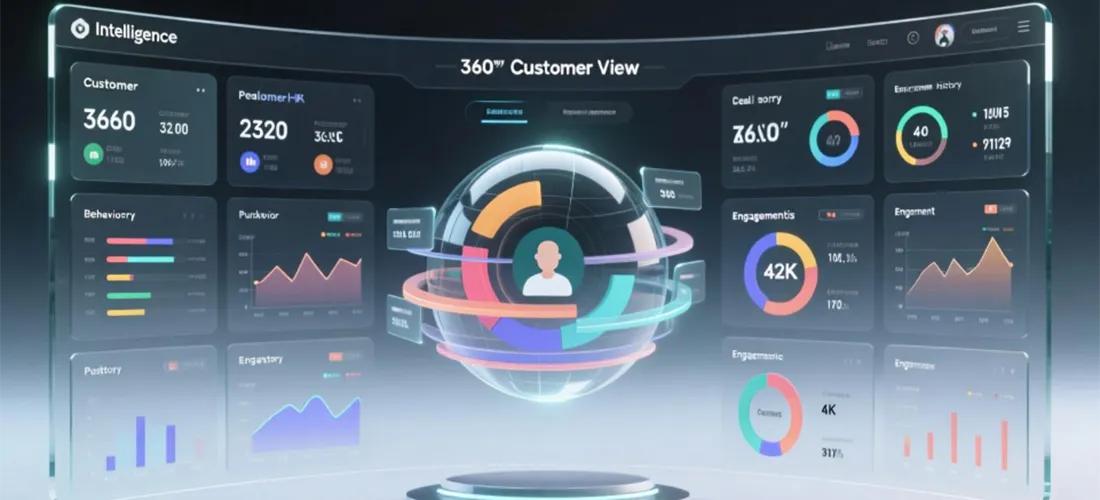



Scope of Work: 360-Degree Customer View Dashboard
1. Discovery & Requirements Gathering
- Meet with stakeholders to define goals of the dashboard (sales enablement, customer support, marketing insights, etc.).
- Identify what a “360-degree view” means for the client (full customer journey, transaction history, engagement, service requests, etc.).
- Collect requirements on:
- Data sources (CRM, ERP, marketing automation, e-commerce, support tickets, web analytics).
- Key stakeholders (sales, support, marketing, leadership).
- Metrics and KPIs needed.
2. Data Audit & Integration Planning
- Audit existing systems to map customer data flow.
- Identify gaps, silos, and duplicate data across tools.
- Plan integrations between:
- CRM (HubSpot, Salesforce, Zoho, etc.)
- Marketing platforms (HubSpot, Mailchimp, Klaviyo, etc.)
- Customer support tools (Zendesk, Intercom, Freshdesk, etc.)
- E-commerce platforms (Shopify, WooCommerce, Magento, etc.)
- Web analytics (Google Analytics, HubSpot Analytics, Hotjar, etc.)
- Determine whether to use APIs, middleware (Zapier, Workato, Mulesoft), or native integrations.
3. Data Consolidation & Cleaning
- Standardize customer data (naming conventions, unique identifiers, contact deduplication).
- Merge fragmented profiles into a single customer record (golden record).
- Ensure compliance with data privacy regulations (GDPR, POPIA, CCPA).
- Establish rules for ongoing data hygiene (validation, enrichment, deduplication).
4. Dashboard Design & Features
- Design wireframes/mockups of the dashboard interface.
- Core features include:
- Customer Profile Overview: Demographics, contact info, account details.
- Engagement History: Emails opened, website visits, event attendance, ad interactions.
- Sales Activity: Deals won/lost, pipeline stage, lifetime value.
- Purchase/Transaction History: Products purchased, frequency, average order value.
- Support Interactions: Tickets raised, resolutions, CSAT/NPS scores.
- Marketing Insights: Campaign interactions, channel performance.
- Churn/Risk Prediction: AI/ML scoring for retention.
- Cross-sell/Upsell Opportunities: Intelligent recommendations.
- Ensure role-based access (sales sees different insights than support or marketing).
5. Implementation
- Connect all chosen data sources to the central CRM or BI tool (HubSpot, Power BI, Tableau, Looker, Salesforce dashboards).
- Configure automation for real-time or scheduled syncs.
- Apply filters, drill-downs, and custom fields.
- Set up data visualizations (charts, tables, funnels, timelines).
- Enable mobile and desktop access for teams.
6. Testing & QA
- Verify all data integrations are working correctly.
- Test accuracy of merged profiles (no duplicate or missing data).
- Validate dashboard metrics against raw source data.
- Test role-based access and security controls.
7. Training & Enablement
- Conduct training sessions for end-users (sales, support, marketing teams).
- Provide documentation and guides for dashboard use.
- Share best practices for leveraging customer insights.
8. Reporting & Continuous Improvement
- Deliver a baseline report of customer insights before dashboard implementation.
- Provide usage analytics (which teams use dashboard most, adoption rates).
- Monitor KPIs: customer lifetime value, churn rate, engagement rate, cross-sell/upsell revenue.
- Gather feedback for iterative improvements.
9. Ongoing Monitoring & Support
- Schedule periodic data audits to maintain accuracy.
- Update dashboard as business goals or data sources evolve.
- Add advanced features (predictive analytics, AI-driven recommendations, chatbot insights).
Value We Deliver
- Unified, 360-degree view of every customer across all touchpoints.
- Empowered sales teams with better lead and opportunity insights.
- Improved marketing personalization and ROI tracking.
- Enhanced customer service with full history and context.
- Stronger decision-making powered by accurate, real-time data.
Additional services
-
0 $
-
0 $
-
0 $
-
0 $
-
0 $