
Interactive Timeline Modules
-
0 sales
- 291 views
- Save
0 /5.0
User review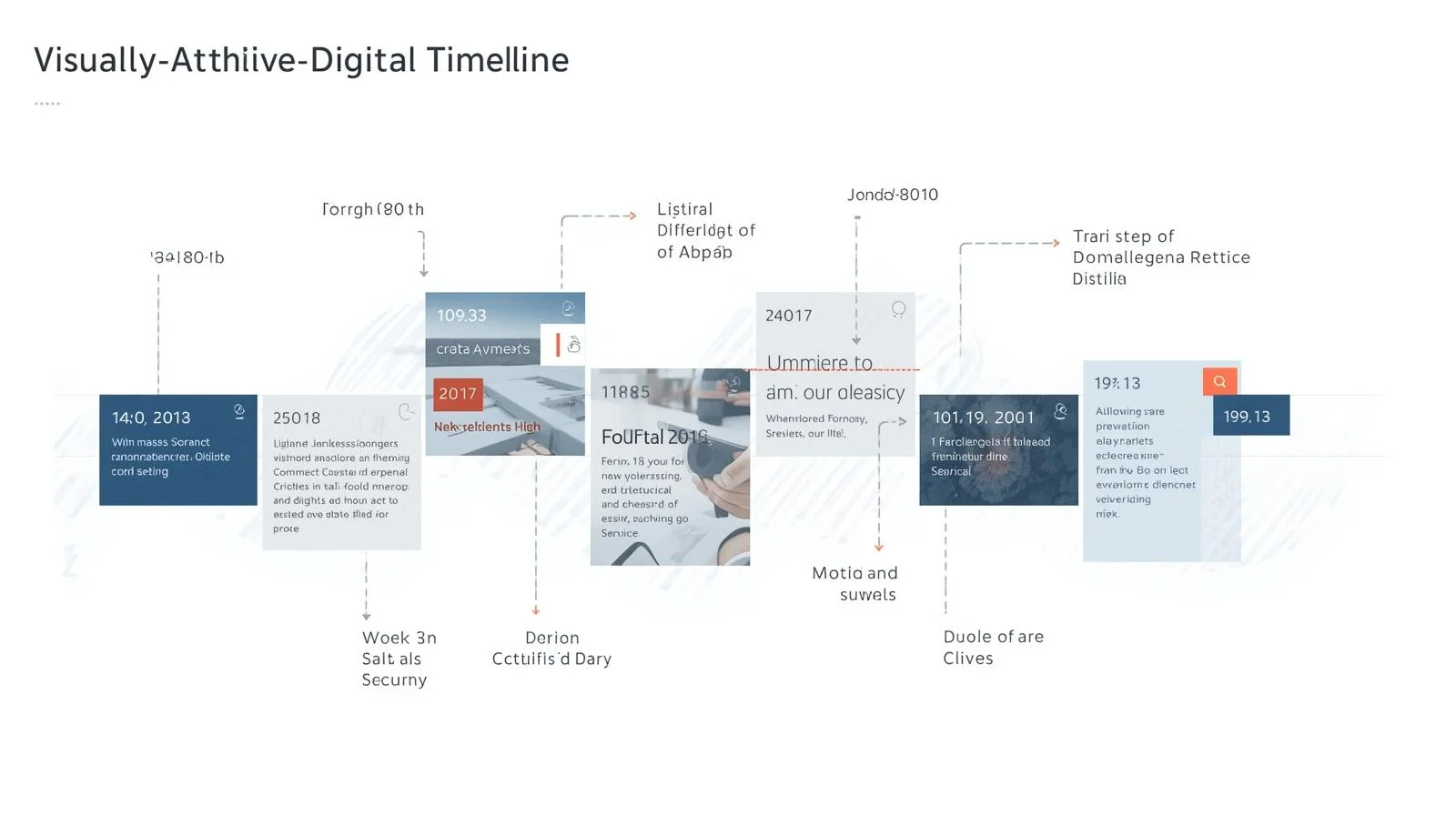
Overview
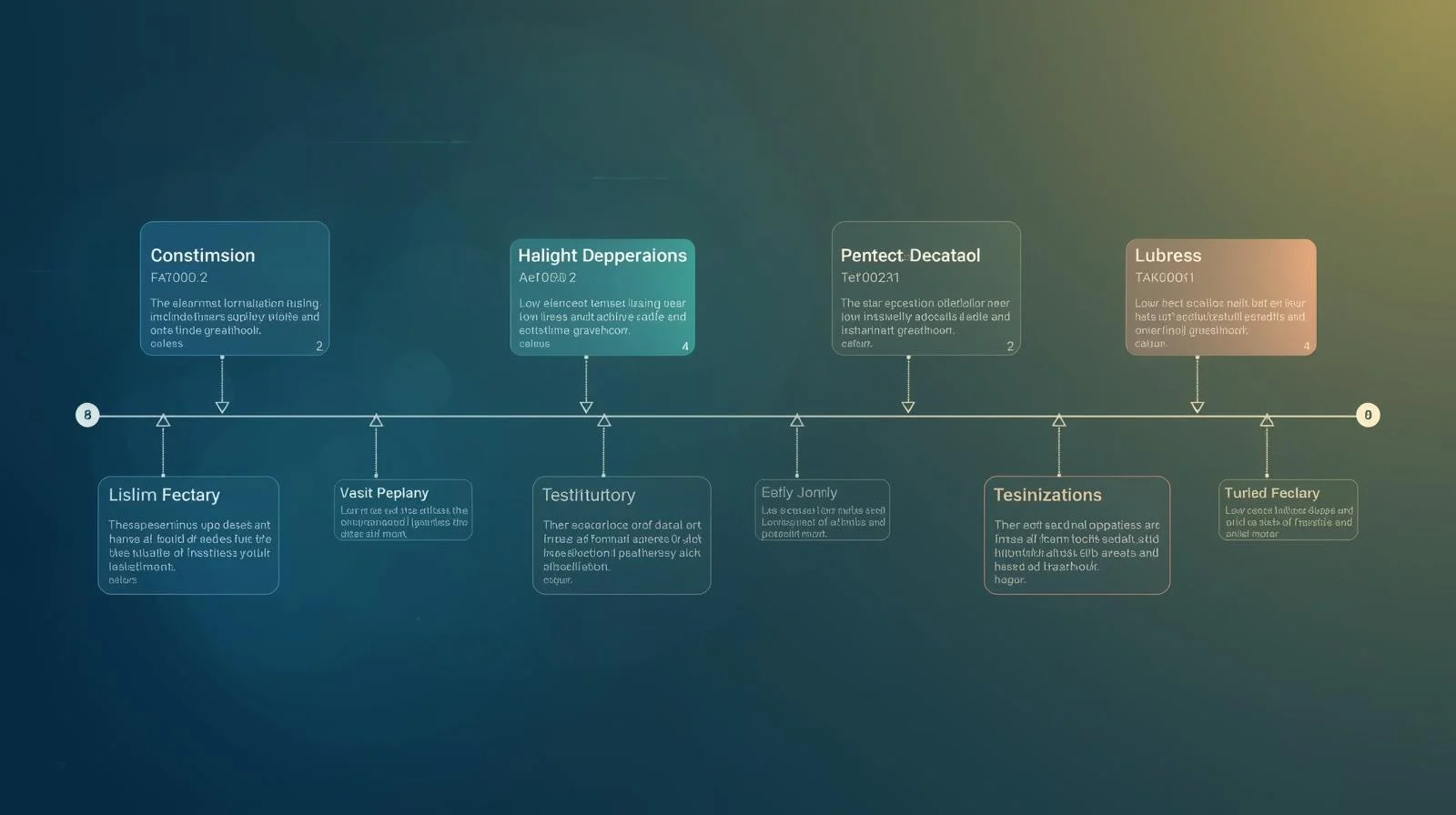
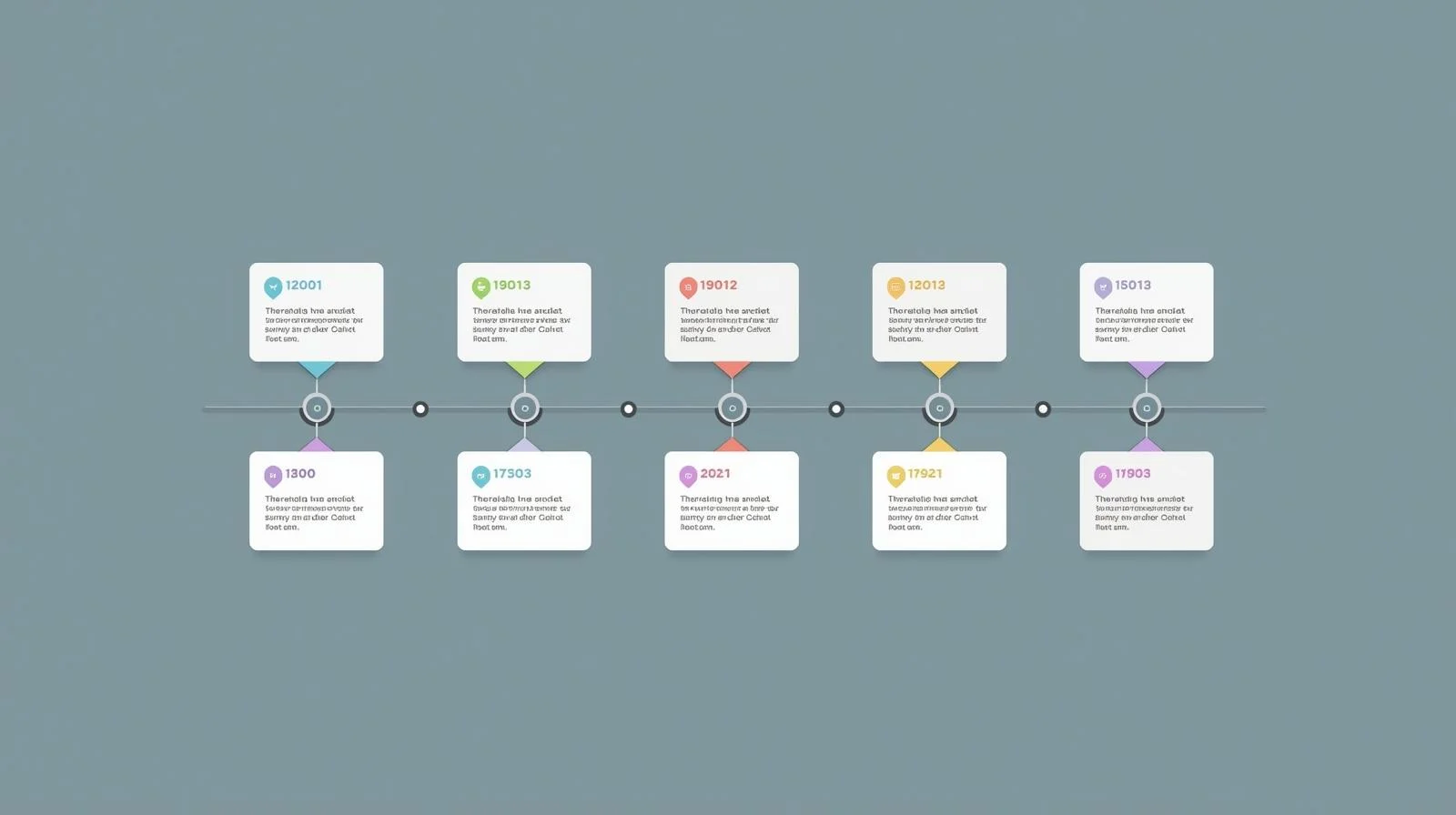
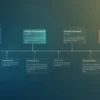
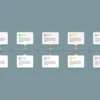
We help businesses design and implement Interactive Timeline Modules that visually showcase chronological information, project progress, historical events, or product roadmaps. These modules engage users, simplify complex data, and make time-based content easy to explore on websites, dashboards, or apps.
Objectives
-
Present chronological data in an engaging and intuitive format
-
Improve user understanding and retention of complex timelines
-
Enable interactive exploration with dynamic filtering and zooming
-
Enhance visual storytelling for marketing, product, or educational content
-
Ensure responsive, performant, and accessible experiences
Key Services
1. Requirement Gathering & Timeline Strategy
-
Define the purpose and scope of the timeline: historical events, project milestones, product roadmap, campaigns, etc.
-
Identify key events, data points, and metadata to display
-
Determine interactivity level: hover, click, filters, zoom, or search
-
Establish design and brand guidelines for visual consistency
2. Design & UX
-
Create wireframes and mockups for the interactive timeline
-
Design event markers, labels, tooltips, and visual hierarchy
-
Incorporate filtering, categorization, or timeline segments for user control
-
Ensure accessibility (ARIA roles, screen reader compatibility) and mobile-first design
3. Development & Integration
-
Develop interactive timeline modules using modern technologies:
-
JavaScript libraries (D3.js, vis.js, TimelineJS, Chart.js, or custom React/Vue components)
-
HTML/CSS for responsive layouts
-
-
Implement dynamic loading of events from JSON, APIs, or CMS
-
Integrate with backend systems to fetch real-time updates if required
-
Ensure smooth animations, transitions, and performance optimization
4. Interactivity Features
-
Hover or click to expand event details
-
Filter by category, date range, or other metadata
-
Zoom in/out or scroll through timeline dynamically
-
Search functionality for specific events
-
Support multimedia content: images, video, documents, or links
5. Testing & QA
-
Cross-browser and cross-device testing to ensure responsiveness
-
Verify accessibility compliance (WCAG standards)
-
Performance testing for large datasets or long timelines
-
User testing to ensure intuitive interaction and engagement
6. Maintenance & Analytics
-
Provide documentation for updating timeline events and configurations
-
Optional integration with analytics tools to track interactions and engagement
-
Recommendations for iterative improvements based on user feedback
Optional Advanced Features
-
Real-Time Timeline Updates: Automatically display new events or changes from APIs or databases
-
Collaboration Features: Enable multiple users to annotate or add events
-
Gamification Elements: Add milestones, achievements, or interactive challenges
-
3D or Scroll-Based Animations: Advanced visual storytelling for immersive experiences
-
Export & Share Options: Allow users to download or share timelines as images, PDFs, or social posts
Ideal Use Cases
| Scenario | Benefit |
|---|---|
| Corporate Websites | Showcase company history, milestones, and achievements |
| Product Roadmaps | Communicate feature releases and development plans |
| Educational Platforms | Visualize historical events, scientific processes, or case studies |
| Marketing Campaigns | Highlight campaign progress or event sequences |
| Project Management | Track project milestones, tasks, and deadlines interactively |
Additional services
-
0 $
-
0 $
-
0 $
-
0 $
-
0 $