
Custom Integration with Accounting Systems
-
0 sales
- 287 views
- Save
0 /5.0
User review
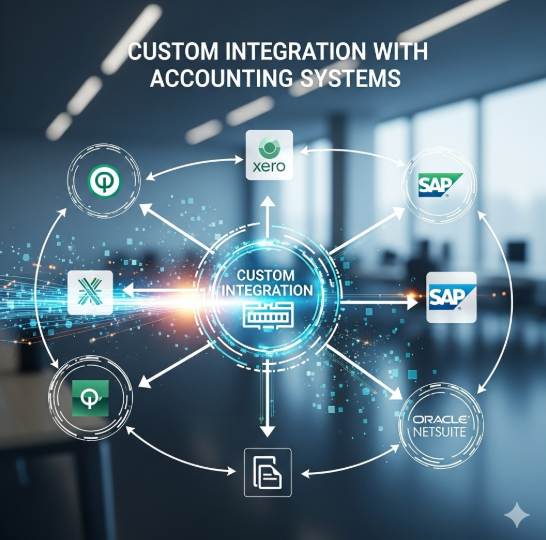
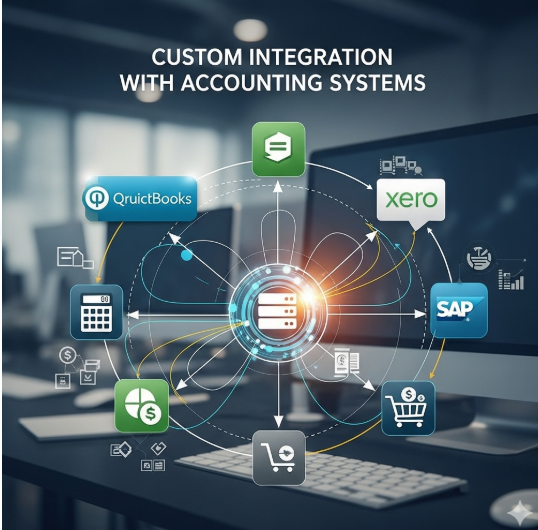

Custom Integration with Accounting Systems
1. Discovery & Assessment
- Review existing accounting software (e.g., QuickBooks, Xero, SAP, Oracle) and CRM/ERP systems.
- Identify business objectives: automate financial workflows, improve reporting accuracy, and reduce manual data entry.
- Map key processes: invoicing, payments, expense tracking, revenue recognition, and reconciliation.
- Assess data sources, formats, and integration readiness.
2. Strategy & Planning
- Define integration goals:
- Real-time or scheduled data sync between accounting and CRM/ERP systems
- Automated workflows for invoices, payments, and financial reporting
- Accurate, consolidated financial data for decision-making
- Establish KPIs: data accuracy, reduced processing time, reconciliation errors, and reporting timeliness.
- Determine scope: one-way vs. two-way sync, frequency, and data fields.
3. Data Mapping & Standardization
- Map fields between systems (e.g., invoices, customer accounts, payment statuses).
- Standardize data formats, naming conventions, and codes across platforms.
- Define rules for handling duplicates, conflicts, or missing data.
- Ensure compliance with accounting standards and regulatory requirements.
4. Integration Design & Development
- Select integration method: APIs, middleware, or custom connectors.
- Implement secure data transfer protocols and authentication.
- Design error-handling, logging, and retry mechanisms.
- Configure workflows to automate key financial processes:
- Invoice creation from CRM opportunities
- Payment status updates to CRM and accounting system
- Automated reporting and reconciliations
5. Testing & Quality Assurance
- Perform end-to-end testing of data flows and synchronization.
- Validate accuracy of financial transactions, invoices, and reports.
- Test edge cases: partial payments, refunds, multi-currency transactions.
- Ensure compliance with financial regulations and audit requirements.
6. Deployment & Training
- Deploy integration in a controlled environment before full rollout.
- Train finance, sales, and operations teams on new workflows and processes.
- Provide documentation for maintenance, troubleshooting, and future enhancements.
7. Monitoring & Maintenance
- Monitor integration performance, data accuracy, and error logs.
- Schedule regular audits to ensure financial data integrity.
- Update integration to accommodate new system versions, features, or business requirements.
- Provide ongoing support for troubleshooting and optimization.
8. Value Delivered
- Automated, accurate, and real-time synchronization between accounting and business systems.
- Reduced manual data entry, errors, and reconciliation efforts.
- Improved financial visibility and reporting for informed decision-making.
- Scalable solution adaptable to growing business needs and multi-system environments.
- Enhanced compliance with accounting standards and regulatory requirements.
Additional services
-
0 $
-
0 $
-
0 $
-
0 $
-
0 $