
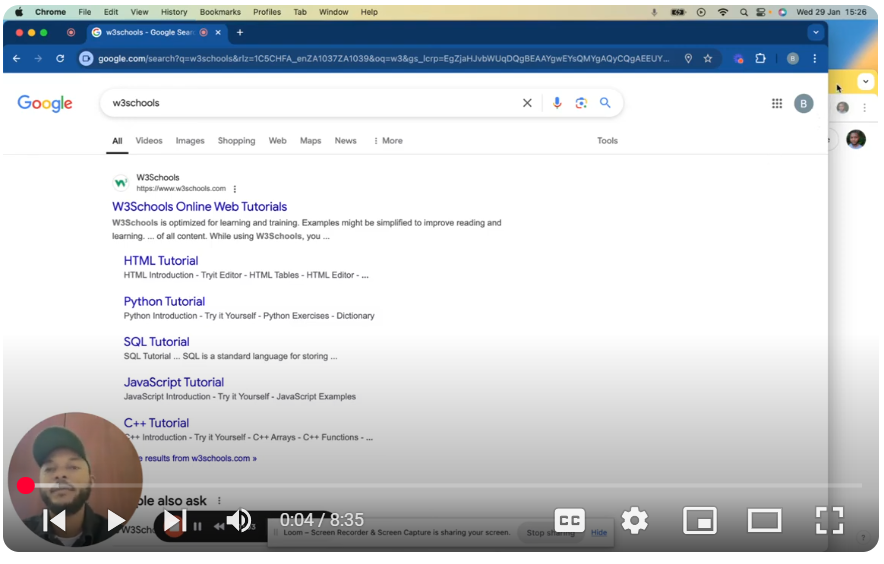
🚀 Learn Web Development for Beginners: HTML, CSS, and JavaScript Basics In this video, we’ll walk you through the basics of web development, perfect for beginners! We’ll cover the essentials of HTML, CSS, and JavaScript, and show you how to get started with practical examples. 🔑 Key Takeaways: Start with the fundamentals: HTML, CSS, and JavaScript. Use W3Schools as a go-to resource for tutorials, examples, and testing your code. Learn how to structure your code and style elements like headings (e.g., making a heading blue). Understand how AI tools (like DeepSeek) can assist you in writing and testing code. 💡 Why W3Schools?
- Straightforward explanations and practical examples.
- Interactive code testing to see real-time results.
Acts like a “dictionary” for web development concepts. 🤖 Using AI for Web Development: Learn how to prompt AI tools effectively by understanding basic HTML, CSS, and JavaScript structures. See how AI can generate code snippets (like creating a blue heading) and compare it with your own work. 📝 Example Covered in the Video:
- Creating a basic HTML page with a heading and paragraph.
- Styling the heading to be blue using internal CSS.
- Testing and refining your code with AI assistance.
👉 Next Video: We’ll dive deeper into CSS and explore more advanced examples to help you build your web development skills. 🔗 Resources Mentioned: W3Schools AI Tools: DeepSeek 👍 If you found this video helpful, don’t forget to like, comment, and subscribe for more web development tutorials! Need help? Ping me on LinkedIn / bachot-mpunga-bashala-b834191b SUBSCRIBE for more insights: / @bachotmpungabashala
Leave your comment