
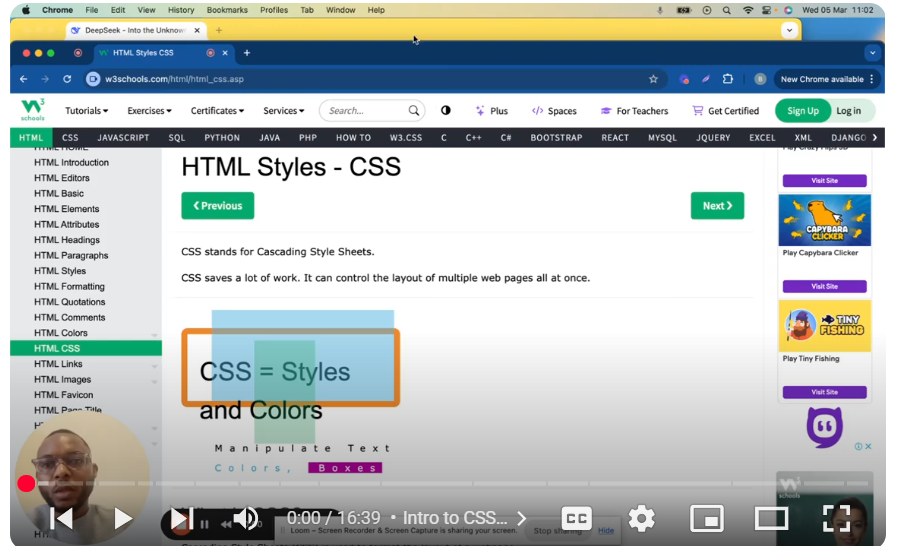
🎥 Mastering HTML & CSS: A Beginner’s Guide to Styling Webpages In this video, we dive into the world of CSS (Cascading Style Sheets) and how it works with HTML to create beautifully styled webpages. Whether you’re a beginner or looking to refine your skills, this tutorial will walk you through the essentials of CSS, including inline, internal, and external styles, as well as key properties like colors, fonts, borders, padding, and margins.
✨ What You’ll Learn: What is CSS and why it’s essential for web development How to add CSS to HTML using inline, internal, and external methods Key CSS properties: color, font-family, font-size, text-align, background-color, and more Understanding the box model: padding, borders, and margins How to use flexbox for layout and media queries for responsive design Best practices for writing clean, reusable, and organized CSS
💡 Key Takeaways: CSS controls the layout, colors, fonts, and overall design of your webpage. Use external stylesheets to style multiple pages efficiently. Master the box model to manage spacing and alignment. Practice using flexbox and grid for modern, responsive layouts. Always ensure your CSS is clean and well-organized for better maintainability. 🚀 Why Watch This Video? If you’re building websites or learning web development, understanding CSS is crucial for creating visually appealing and functional webpages. This video provides step-by-step examples, tips, and best practices to help you master CSS like a pro!
👍 Enjoyed the video? Don’t forget to like, comment, and subscribe for more web development tutorials and tips! 🔗 Timestamps: 00:00 – Intro to CSS and HTML 00:12 – What is CSS and How It Works 00:32 – Controlling Layouts, Colors, Fonts, and More 01:05 – Cascading Effect in CSS 01:18 – Adding CSS: Inline, Internal, and External Methods 02:03 – Inline CSS Example 02:22 – Internal CSS Example 03:10 – External CSS Example 04:02 – CSS Properties: Colors, Fonts, and Sizes 04:49 – CSS Borders 05:35 – CSS Padding and Responsiveness 06:50 – CSS Margins 08:42 – Linking External CSS Files 10:12 – CSS File Paths and Folder Structure 11:00 – Most Commonly Used CSS Properties 13:56 – CSS Units: Pixels, EM, REM, VW, VH 15:22 – CSS Selectors and Inheritance 16:12 – Key Takeaways for Beginners Thanks for watching, and happy coding! 🚀
Leave your comment