
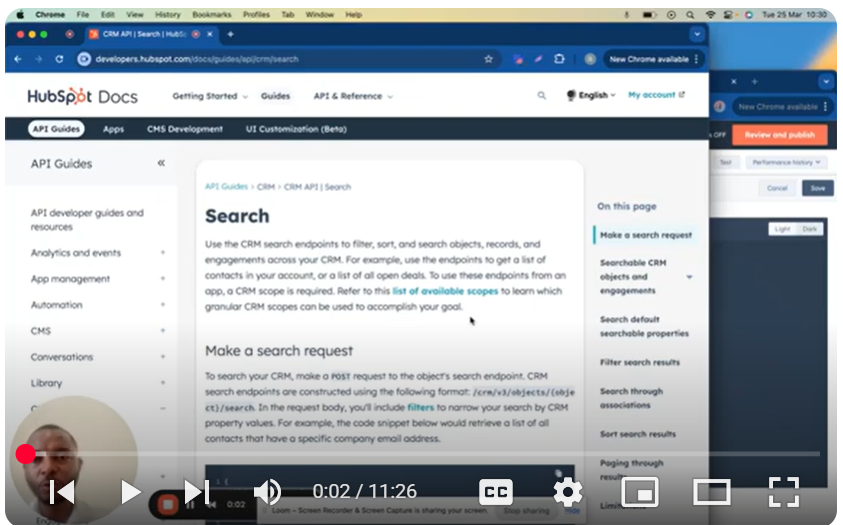
🔍 How to Use HubSpot’s CRM Search API
Learn how to filter, sort, and search CRM objects, records, and engagements using HubSpot’s powerful search endpoints.
📌 Key Features:
✅ Search contacts, deals, companies, and more
✅ Filter results with advanced operators (EQ, GT, CONTAINS_TOKEN, etc.)
✅ Sort and paginate through large datasets
✅ Retrieve specific properties or associations
🚀 Example Requests:
Search Contacts by Email:
json
Copy
{
“filterGroups”: [{
“filters”: [{
“propertyName”: “email”,
“operator”: “CONTAINS_TOKEN”,
“value”: “*@domainname.com”
}]
}]
}
Filter Companies by Revenue:
json
Copy
{
“filterGroups”: [{
“filters”: [{
“propertyName”: “annualrevenue”,
“operator”: “GT”,
“value”: “10000000”
}]
}],
“properties”: [“annualrevenue”, “name”]
}
📋 Supported Objects & Default Properties:
Endpoint Object Default Properties
/contacts/search Contacts firstname, lastname, email
/companies/search Companies name, domain, createdate
/deals/search Deals dealname, amount, closedate
⚙️ Filter Operators:
EQ (Equal)
NEQ (Not Equal)
GT/LT (Greater/Less Than)
BETWEEN (Range)
IN/NOT_IN (List match)
CONTAINS_TOKEN (Wildcard search)
📜 Pagination & Limits:
Max results per page: 200
Rate limit: 5 requests/second
Max total results: 10,000
🔗 For full documentation, visit: HubSpot API Docs
https://developers.hubspot.com/docs/g…
Need help? Ping me on LinkedIn
/ bachot-mpunga-bashala-b834191b
SUBSCRIBE for more insights:
/ @bachotmpungabashala
Leave your comment