
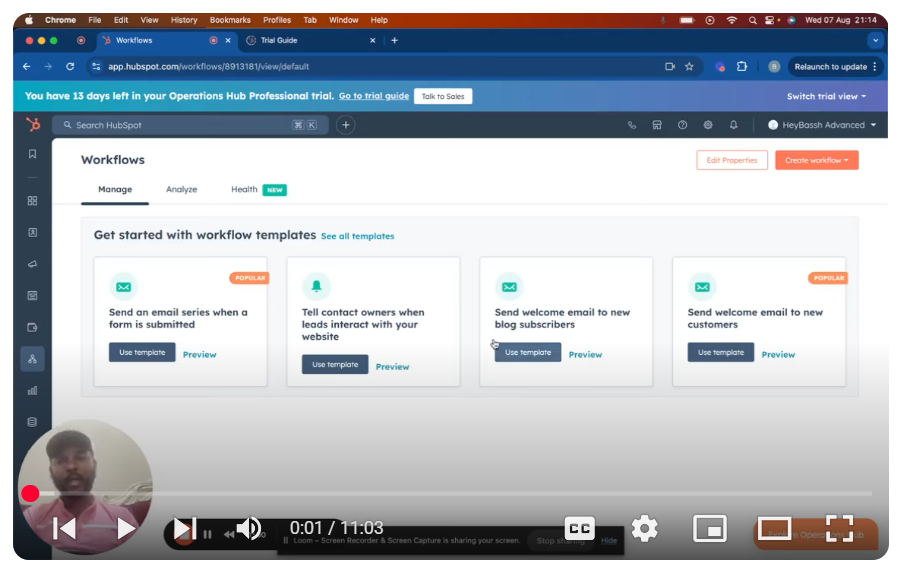
In “Mastering HubSpot API: Pt. 1 Platform Integration with Custom Coded Actions. Operations Hub,” we dive into the powerful world of API integration with HubSpot using custom coded actions within workflows. This comprehensive guide will walk you through the initial setup and provide an overview of how to leverage HubSpot’s automation tools for seamless API integration. We’ll begin by navigating to the automation section in HubSpot, creating a workflow from scratch, and choosing a contact-based trigger. Our example involves a form submission, where we’ll demonstrate how to manipulate and transfer the data into another system. Key steps covered include:
- Setting up the workflow and selecting triggers
- Adding custom coded actions for API integration
- Using data operations and writing custom code in Node.js or Python
- Managing secrets and accessing HubSpot’s private apps for authentication
- Including properties and utilizing the HubSpot client library for smooth data handling
By the end of this tutorial, you’ll have a solid foundation in creating workflows that integrate with external applications, paving the way for more advanced API integrations. If you find this tutorial helpful, please like, share, and subscribe for more in-depth HubSpot CMS and API integration tutorials. Stay tuned for Part 2, where we’ll dive deeper into coding and testing your custom actions!
Leave your comment