
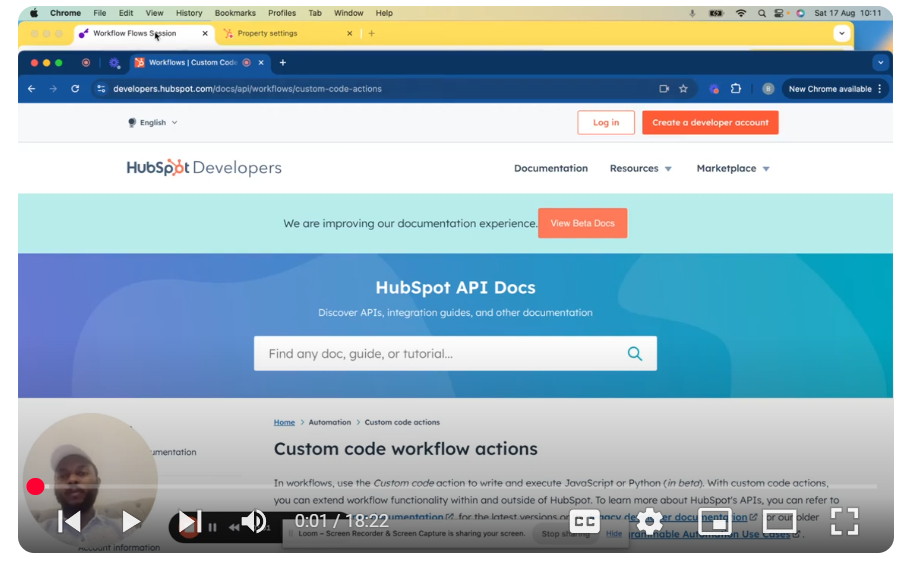
Explore the intricate process of API integration within HubSpot using custom coded actions, as part of our comprehensive “Mastering HubSpot API” series. In this episode, we break down the integration diagram flow, providing you with a clear understanding of how to connect HubSpot with third-party systems for seamless data management and automation. 📄 Key Highlights: Integration Workflow Overview: Dive into the foundational structure of HubSpot’s CRM objects, including built-in and custom objects, and learn how they interact during API integration. Mapping HubSpot Objects: Understand how to map HubSpot CRM objects like contacts, companies, and deals to corresponding data tables in third-party systems, ensuring a smooth data flow. Custom Coded Actions: Discover the power of HubSpot’s custom coded actions within workflows, enabling you to automate complex processes and sync data across platforms. Notification Triggers: Learn how to set up notifications and alerts within HubSpot workflows, keeping your internal teams and customers informed of key actions and updates. UI Extensions and CRM Cards: Explore how to use UI extensions and CRM cards to display and interact with critical data directly within HubSpot, enhancing your team’s productivity. 🚀 Getting Started: Begin your API integration journey by understanding HubSpot’s object structure and mapping it to your external systems, laying the groundwork for efficient automation. 💡 Learn More: For an in-depth look at setting up custom coded actions and integrating HubSpot with other platforms, dive into our detailed guides available through the HubSpot documentation.
Mastering HubSpot API: Pt. 2 – Integration Diagram Flow & CRM Properties – Custom Coded Actions
Leave your comment