
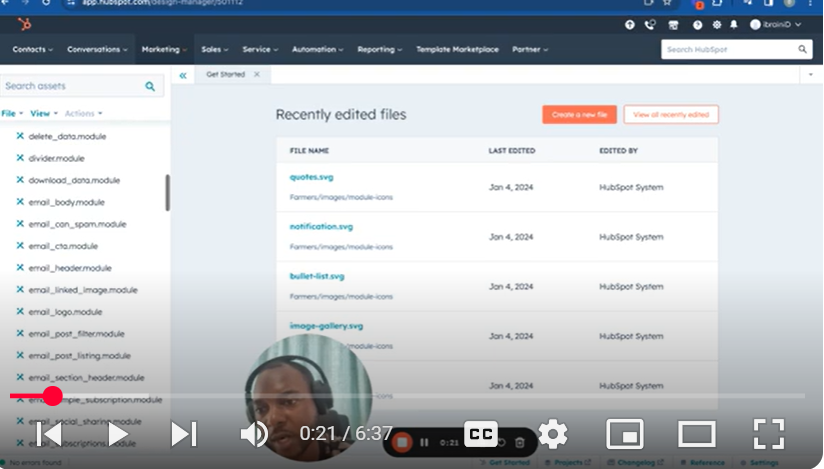
Welcome to the first part of our series ‘Mastering HubSpot CMS.’ In this video, titled ‘Part 1 – How to Create a Theme,’ we embark on a journey to understand the intricacies of theme creation within HubSpot’s powerful CMS platform.
🎯 What You’ll Learn:
Getting Started with Theme Creation: I’ll guide you through navigating HubSpot CMS, focusing on the ‘Marketing’ and ‘Files’ sections to access ‘Design Tools.’
Using Boilerplates: Discover how to leverage different boilerplates for theme creation, including selecting and cloning themes like ‘Growth.’
Customizing Your Theme: Learn how to tailor a theme for specific business needs, such as a hardware company, using the example of the ‘Builders’ theme.
Navigating Theme Structure: Gain insights into the various folders within a theme, including language, CSS, images, JavaScript, modules, sections, and templates.
Setting Up Basic Elements: I’ll cover how to manage essential theme components like font family, font size, and CSS branding colors using the ‘field.json’ file.
Changing Theme Images: Step-by-step instructions on changing images for template previews and uploading new images.
Branding Customization: Tips on altering theme colors, fonts, button styles, and other branding elements.
Preview and Publish: Learn how to preview your customizations and publish the theme.
🔗 Stay Tuned for Part 2: In the next video, we’ll delve into adding custom modules to your theme, further enhancing its functionality and aesthetics.
💡 Explore More: Feel free to explore the links provided for additional information and deeper understanding.
👍 If you find this video helpful, please like, share, and subscribe for more content on mastering HubSpot CMS.
💬 Your Feedback is Important! Please leave your questions or suggestions in the comments below. Your engagement helps us improve and tailor our content to your needs.
SUBSCRIBE
https://www.youtube.com/@BACHOTMPUNGA…
Need help? Ping me on LinkedIn
/ bachot-mpunga-bashala-b834191b
HubSpotCMS #ThemeCreation #WebDesign #CMSDesign #DigitalMarketing #HubSpotTutorial #WebsiteDevelopment”
Leave your comment