
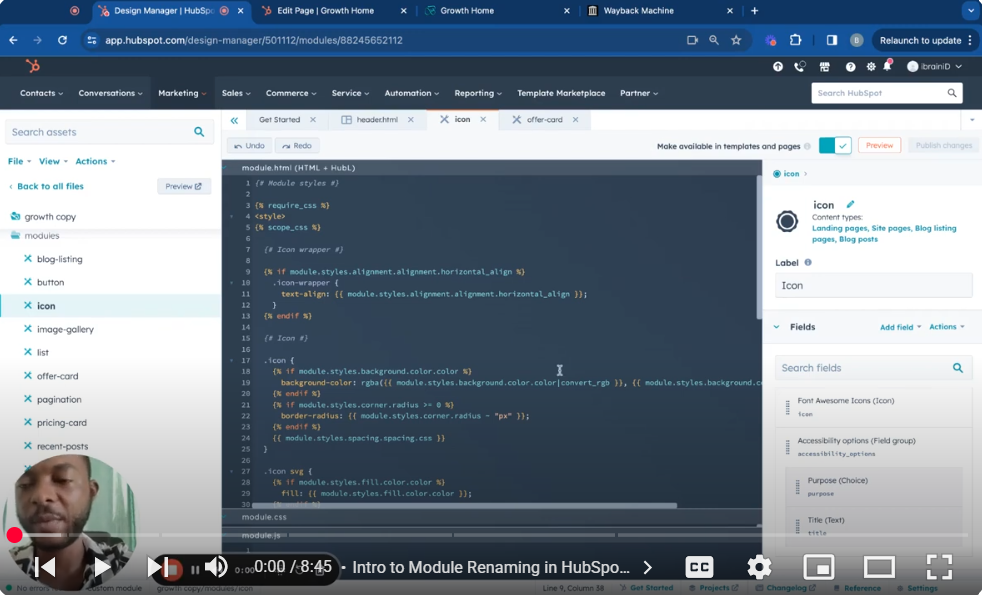
Dive into the world of HubSpot CMS with this detailed guide on renaming modules for improved organization and workflow. This tutorial, Part 14 of our series, covers efficient module renaming and addresses potential challenges to ensure a smooth update process.
🚀 What You’ll Learn: Renaming Modules:
Seamlessly change module names without disrupting existing page content.
Identifying Module Dependencies: Discover dependent pages and templates linked to your module.
Retrieving Old Content (Advanced): Learn how to use the Wayback Machine to recover old module content in complex site redesigns.
Updating Dependent Elements: Update templates and pages to reflect module name changes.
Troubleshooting: Learn how to handle potential renaming issues and best practices for consistency.
📌Tutorial Segments: (Adjust timestamps based on your actual video)
00:00 Intro to Module Renaming in HubSpot CMS
00:30 Directly Renaming Modules and Impact on Content
01:20 Finding Module Dependencies
02:30 Advanced: Using the Wayback Machine for Old Content
04:00 Updating Templates and Pages After Renaming
05:30 Troubleshooting Common Issues
👨💻 Who Is This For? This tutorial is designed for HubSpot users seeking to streamline their CMS organization, update legacy pages, and smoothly implement bulk changes.
👍 Optimize Your HubSpot CMS Workflow! Like, share, and subscribe for more in-depth HubSpot CMS tutorials.
💬 Have questions or need support? Leave a comment below, and let’s make your HubSpot projects easier to manage. SUBSCRIBE https://www.youtube.com/@BACHOTMPUNGA… Need help? Ping me on LinkedIn / bachot-mpunga-bashala-b834191b
Leave your comment