
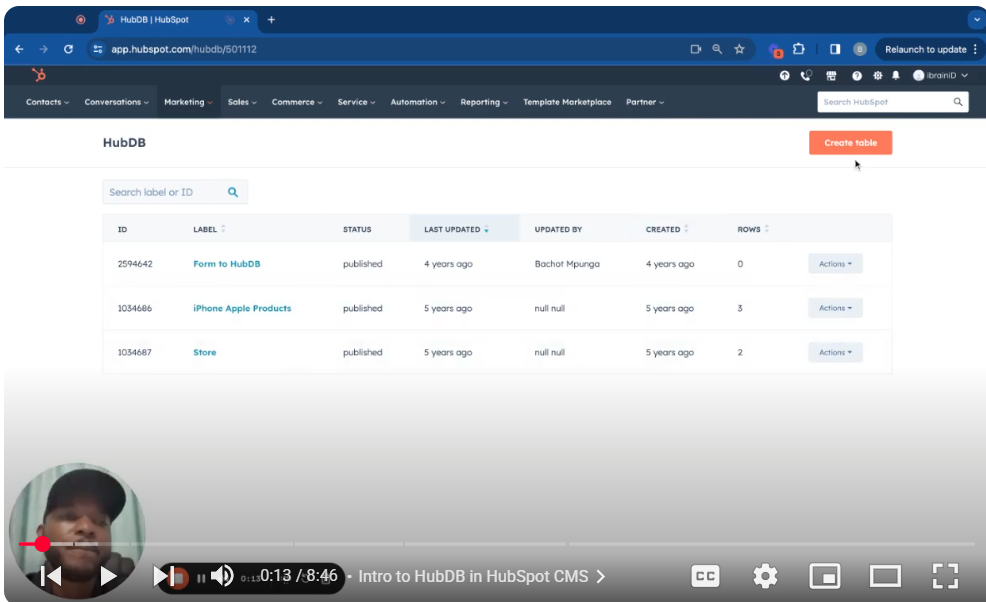
Discover the power of HubDB, HubSpot’s integrated database solution. In this tutorial, Part 16 of our HubSpot CMS series, learn to create custom HubDB tables, design them for various data types, and lay the foundation for advanced CMS use cases.
🚀 What You’ll Learn:
Creating a HubDB Table: Set up a table with a descriptive name and start building your database structure.
Adding Columns: Explore different column types (image, text, dropdown, date, location, etc.) for specific data needs. Managing Data:
Add rows, populate data, edit, and keep your HubDB tables organized.
Importing and Exporting: Work with CSV files for importing or exporting data.
Dynamic Pages (Advanced): Enable dynamic page creation based on HubDB data for individual data entries.
📌Tutorial Segments:
00:00 Intro to HubDB in HubSpot CMS
00:30 Creating Your First HubDB Table
01:00 Understanding Column Types
02:30 Adding and Editing Table Data
03:30 Importing and Exporting Data with CSV
05:00 Advanced: Enabling Dynamic Pages from HubDB
👨💻 Who Is This For? This tutorial is perfect for HubSpot users seeking to create custom data structures within HubSpot for applications like membership directories, product catalogs, or other structured content types.
👍 Build Powerful Data-Driven Experiences! Like, share, and subscribe for more in-depth HubSpot CMS tutorials.
💬Questions? Leave a comment below – let’s make the most of HubDB within your HubSpot projects. SUBSCRIBE https://www.youtube.com/@BACHOTMPUNGA…
Leave your comment