
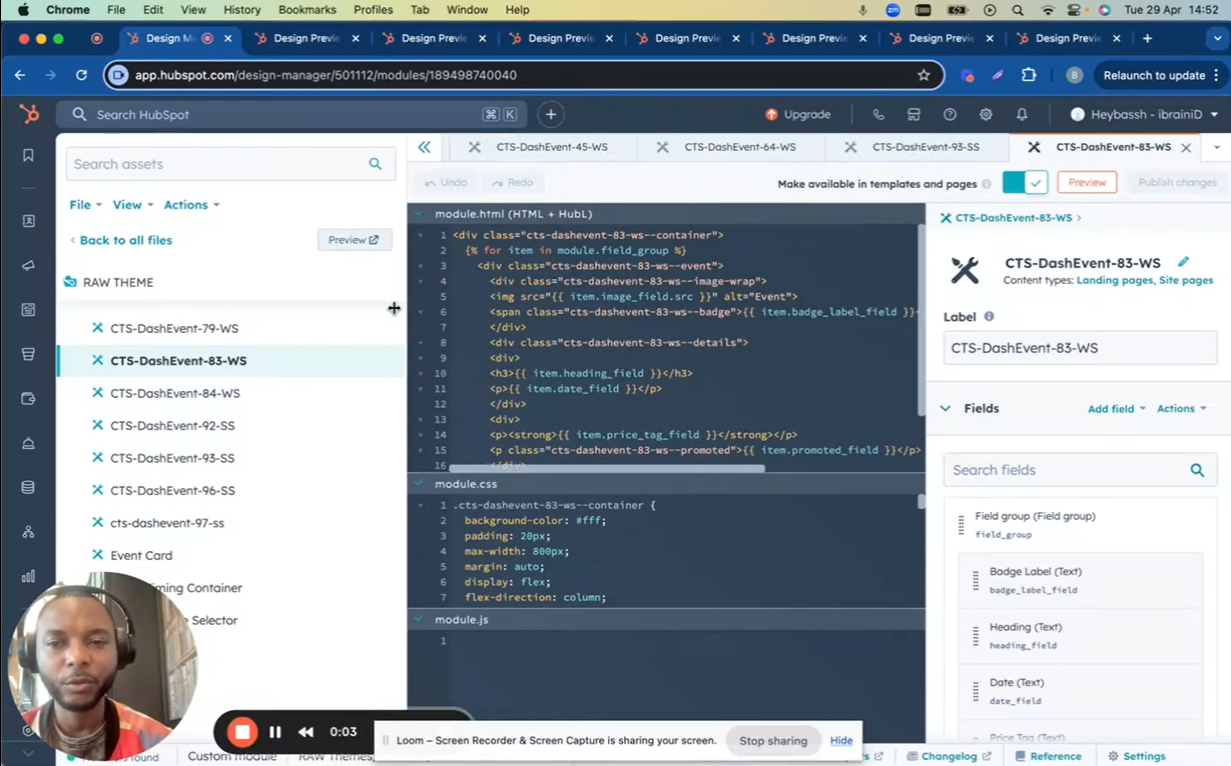
How to Properly Label and Name HubSpot Custom Modules (Semantic & Layout-Based Naming) to prep for Theme Marketplace. In this video, I’ll walk you through the best practices for naming and labeling website modules (like sections, components, or widgets) based on their semantic meaning and layout structure. Whether you’re working with event listings, product cards, or custom layouts, giving modules clear, unique names ensures better organization and usability.
Key Takeaways:
✅ Semantic Naming – Use context (e.g., “City Card Listing” for city-related sections).
✅ Layout-Based Naming – If no clear context exists, name by structure (e.g., “Two-Column Fancy List”).
✅ Consistency Matters – Keep names unique and reusable across pages.
✅ Icon Selection – Choose icons that match the module’s purpose for better visual recognition.
Examples Covered:
“Two-Column List with Fancy Header” (Layout-based)
“City Card Listing” (Semantic-based)
“Popular Events Section” (Context + Layout)
“Image Left + Text Card” (Pure layout reference)
“Single Event Postcard” (Semantic + Structure)
Additional Tips:
🔹 Always check for semantic meaning before defaulting to layout names.
🔹 Use descriptive yet concise labels (e.g., “Advanced Event Listing”).
🔹 Ensure marketplace-ready modules have proper categories (e.g., Landing Pages, Blocks).
📌 For Designers & Developers: Naming modules correctly improves teamwork, scalability, and future edits!
🔔 Subscribe for more web design & development tips!
💬 Got questions? Drop a comment below!
Leave your comment