
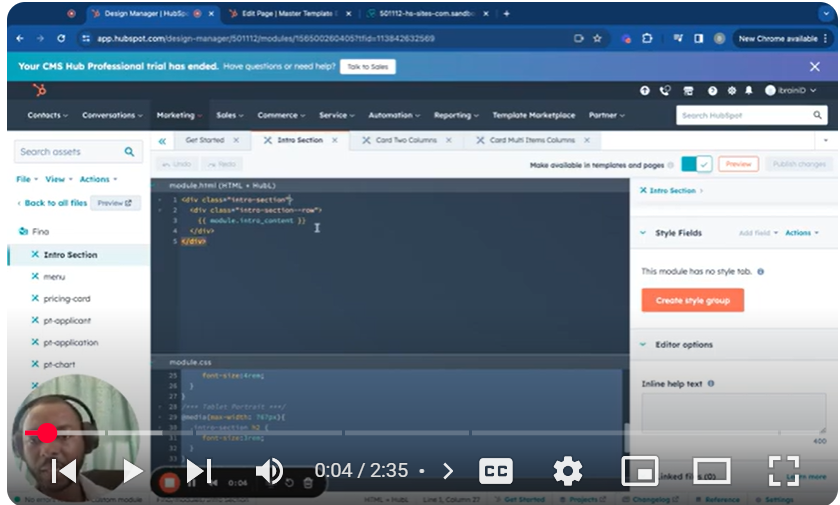
levate your HubSpot CMS designs with our latest tutorial, “Mastering HubSpot CMS: Part 5.8 – Add a Background Image in a Module.” This instructional video is an integral part of our extensive series aimed at empowering you to enhance the aesthetic appeal and functionality of your site’s modules. Learn the nuanced process of seamlessly integrating background images into your modules, ensuring your website not only captures attention but also delivers a visually compelling user experience.
🚀 What You’ll Learn:
Background Image Integration: Understand the process of adding and configuring background images in your HubSpot CMS modules to create visually stunning sections.
Image Selection and Upload: Discover how to select the perfect image for your background and upload it directly within the HubSpot platform.
Customization Techniques: Explore advanced styling options such as image positioning, size, and fallback colors to ensure your background images look great on all devices.
Enhancing User Engagement: Learn how background images can be used to draw user attention and enhance the overall engagement on your website.
📌 Tutorial Segments:
00:00 Introduction to Adding Background Images
00:16 Setting Up the Background Image Field
00:33 Selecting and Uploading the Image
01:02 Customizing the Background Image Settings
01:27 Adjusting Background Properties for Optimal Display
02:28 Final Preview and Additional Customizations
👨💻 Ideal for:
This video is crafted for web developers, digital marketers, and HubSpot CMS users who aspire to create more engaging and visually appealing website modules by incorporating background images effectively.
👍 If you find this tutorial on adding background images to modules insightful, please hit the like button, share with your network, and subscribe for more in-depth HubSpot CMS tutorials.
💬 Questions or Further Assistance Needed?
If you have any questions or need help with your HubSpot CMS projects, don’t hesitate to drop a comment below. We’re here to assist you in unlocking the full potential of your HubSpot site with rich, dynamic content modules.
SUBSCRIBE
https://www.youtube.com/@BACHOTMPUNGA…
Need help? Ping me on LinkedIn
/ bachot-mpunga-bashala-b834191b
HubSpotCMS #WebDesign #BackgroundImage #DigitalMarketing #HubSpotTutorial #VisualDesign #CMSDesign #WebsiteDevelopment #UserExperience #EngagingContent
Leave your comment