
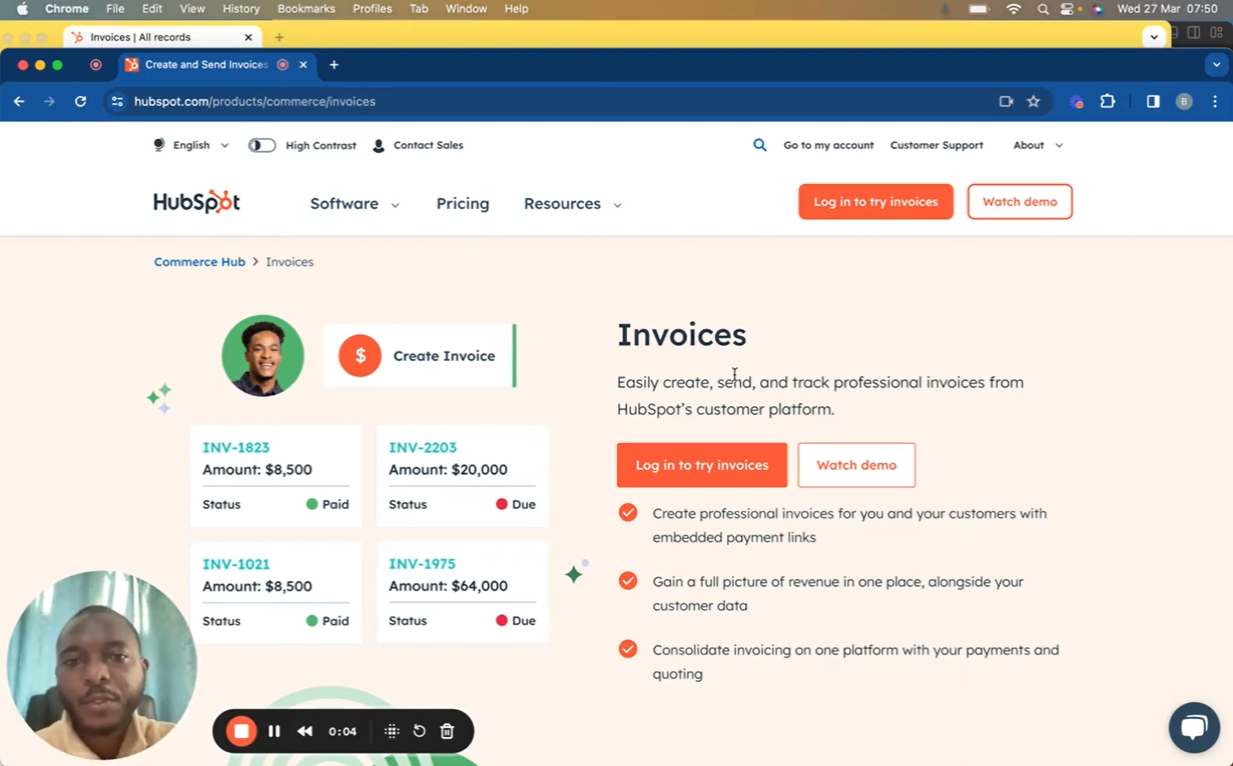
Explore the streamlined process of creating invoices within HubSpot’s comprehensive CRM platform in this detailed guide. HubSpot simplifies invoice generation, allowing you to create, send, and track professional invoices directly within the CRM, ensuring a cohesive view of your revenue streams alongside vital customer data. This tutorial delves into every step of the invoice creation process, from selecting contacts to customizing payment terms and incorporating discounts and taxes.
🧾 Key Highlights: Integrated Invoice Creation: Learn how to generate invoices without leaving the HubSpot environment, enhancing efficiency and data consistency. Customization Options: Discover how to tailor each invoice to your needs, including due dates, PO numbers, discounts, and taxes, ensuring clarity and professionalism in your billing processes.
Embedded Payment Links: Find out how to include payment links in your invoices, facilitating quicker payments and improving cash flow.
Revenue Tracking: Gain insights into how HubSpot enables a unified view of outstanding, upcoming, and paid invoices, streamlining your financial oversight.
🚀 Getting Started: This tutorial guides you through the intuitive steps to create an invoice in HubSpot, from selecting a contact and detailing the invoice to finalizing it with payment options and tax details.
💡 For a deeper dive into customizing your invoices and setting up payment options within HubSpot, the video also provides directions to relevant settings within the CRM platform.
📺 Enjoyed this tutorial? Don’t forget to like, share, and subscribe for more insightful guides on mastering the full spectrum of HubSpot CRM’s capabilities.
Leave your comment