
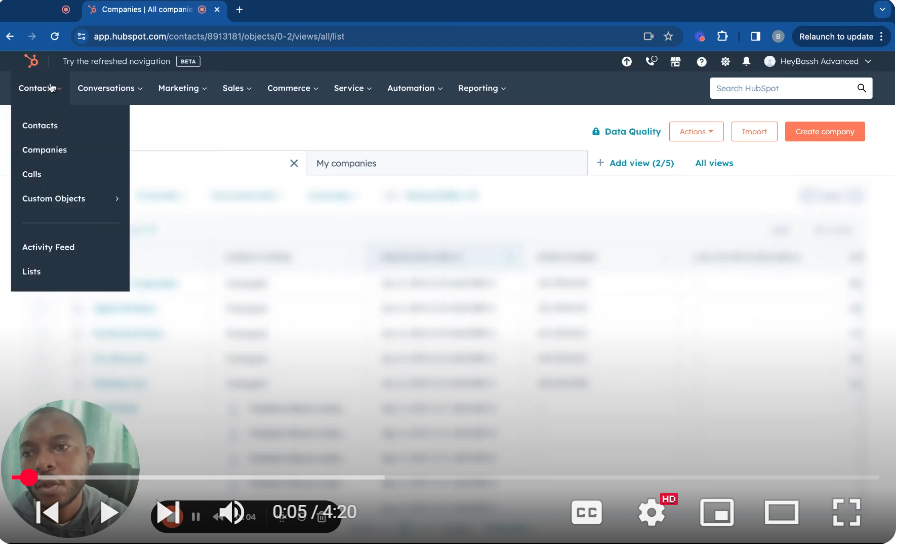
Learn how to efficiently create company records in HubSpot CRM with this detailed tutorial. Starting on your contact page, I’ll guide you through the process of navigating to companies, creating new company entries, and importing lists if necessary. Discover how HubSpot’s intelligent system auto-populates fields like company name and industry once you enter the domain, simplifying data entry. We’ll explore the functionalities available during the creation process, including how to customize the input form to include additional fields pertinent to your business needs, such as company information or specific property groups. Learn to edit, add, or remove fields easily, ensuring that your company records contain all the necessary data. Additionally, we’ll dive into company settings where you can manage properties, set up associations, and customize layouts to align with your operational requirements. This tutorial will also cover how to utilize HubSpot’s features to enhance your data management practices, making your CRM system a powerful tool for business growth. This guide is perfect for users looking to streamline their CRM processes and enhance their understanding of HubSpot’s company record management capabilities. Don’t forget to like, share, and subscribe for more insightful tutorials on mastering HubSpot CRM. #HubSpotCRM #CompanyRecords #CRMSetup #BusinessManagement #DataManagement #HubSpotTutorialDiscover the seamless integration of calling within HubSpot CRM in our tutorial “Mastering HubSpot CRM: Calls – How to Make Calls in HubSpot.” This video provides a step-by-step guide on utilizing the calling feature directly from your HubSpot CRM, enhancing your sales or service capabilities. 📞 Key Features Covered: Accessing Calls: Learn how to navigate to the calls section within HubSpot, where you can manage and review recorded calls. Making Calls: Detailed instructions on how to initiate calls directly from a contact’s record using HubSpot’s built-in phone system, ensuring all communications are logged and accessible. Importing Call Data: Find out how to import call data from other CRMs into HubSpot, streamlining your transition and call data management. Call Settings and Options: Configure your calling preferences, including outbound caller ID and call recording settings, to tailor the feature to your business needs. Subscription Limits: Understand the limitations based on your HubSpot subscription, including how calling minutes are allocated and reset. Legal Compliance: Important notes on ensuring compliance with communication laws when making calls, especially pertinent for users in the EU with data routed through specific data centers. 🔗 Useful Links: HubSpot Calling Setup https://knowledge.hubspot.com/calling… Technical Requirements for HubSpot Calls https://knowledge.hubspot.com/calling… 📺 Enjoy detailed visuals on setting up and making calls effectively in HubSpot, perfect for enhancing your customer interaction strategies. Don’t forget to like, share, and subscribe for more insightful HubSpot CRM tutorials!
Mastering HubSpot CRM: Company Record Creation
Leave your comment