
Welcome to ‘Mastering Hubspot Settings: Giving Developer Access Permission.’ In this tutorial, we’ll explore the process of granting developers access to various features within HubSpot. This video is essential for those who need to collaborate with developers on their Hubspot projects. 🔑 What You’ll Learn: Accessing User and Team Settings: Step-by-step guide to navigate to the user and teams section in HubSpot settings. Editing Permissions: Understanding how to edit permissions for developers, including choosing between manual and template-based settings. Granting Marketing Access: Detailed walkthrough on providing access to marketing tools, content staging, blogs, landing pages, and website pages. Database and Design Tool Access: Insights on giving access to website databases and design tools for comprehensive development capabilities. Saving Changes and Account Creation: How to save your permission settings and create a new account for developers if necessary. CRM and Marketing Settings: Overview of granting access to CRM objects and marketing settings for a CMS developer. 🛠️ Practical Application: By the end of this video, you’ll be able to confidently grant the appropriate access levels to developers, ensuring they have the tools they need for effective collaboration. 👍 If you find this tutorial helpful, please give it a thumbs up, share, and subscribe for more HubSpot CMS guidance. 💬 We Value Your Feedback! Please leave any questions or suggestions in the comments section. Your engagement helps us improve our tutorials. #HubSpotCMS#DeveloperAccess#CMSsettings#WebDevelopment#HubSpotTutorial#CMSPermission#Collaboration” SUBSCRIBE https://www.youtube.com/@BACHOTMPUNGA… Need help? Ping me on LinkedIn / bachot-mpunga-bashala-b834191b
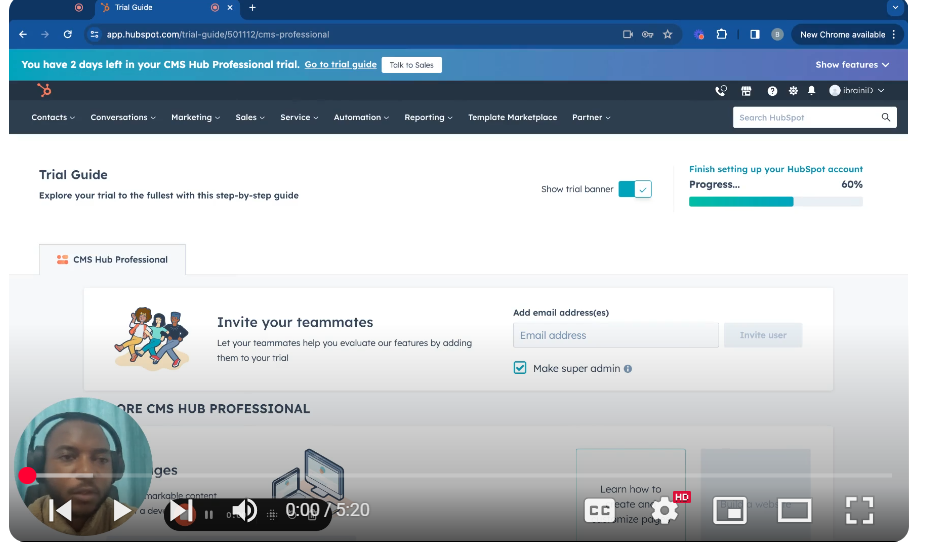
Mastering HubSpot Settings: Giving Developer Access Permission
Leave your comment