
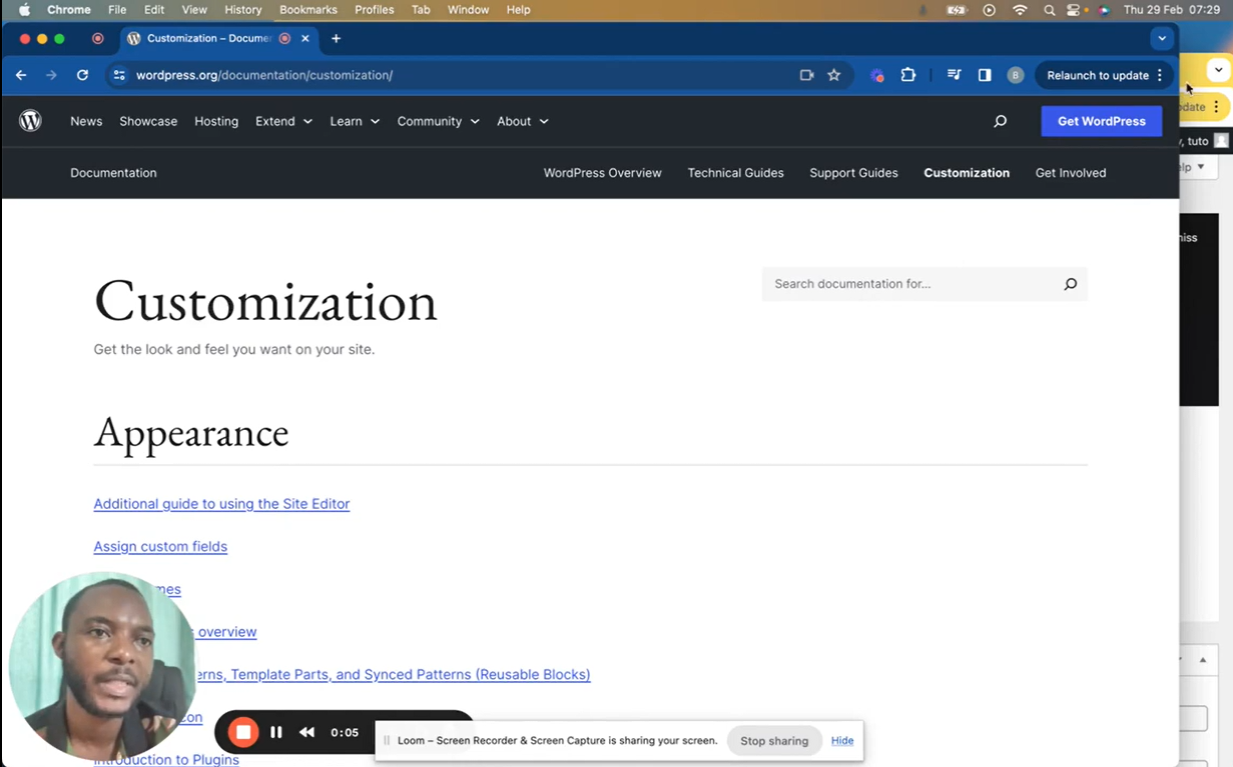
In this comprehensive tutorial, I’ll walk you through the essential WordPress settings, covering everything from site configuration to security.
🔧 We’ll explore:
- Dashboard Overview 🧭
- Posts and Pages 📰
- Media Management 🖼️
- Appearance (Themes, Menus) 🎨
- Plugins 🧩
- Users 👥
- Tools 🧰
- Settings (General, Writing, Reading, Discussion, Permalink, etc.) ⚙️
Whether you’re new to WordPress or want a refresher, this guide has you covered!
New to WordPress? Discover more tutorials in my “Master WordPress” series!
Leave your comment