
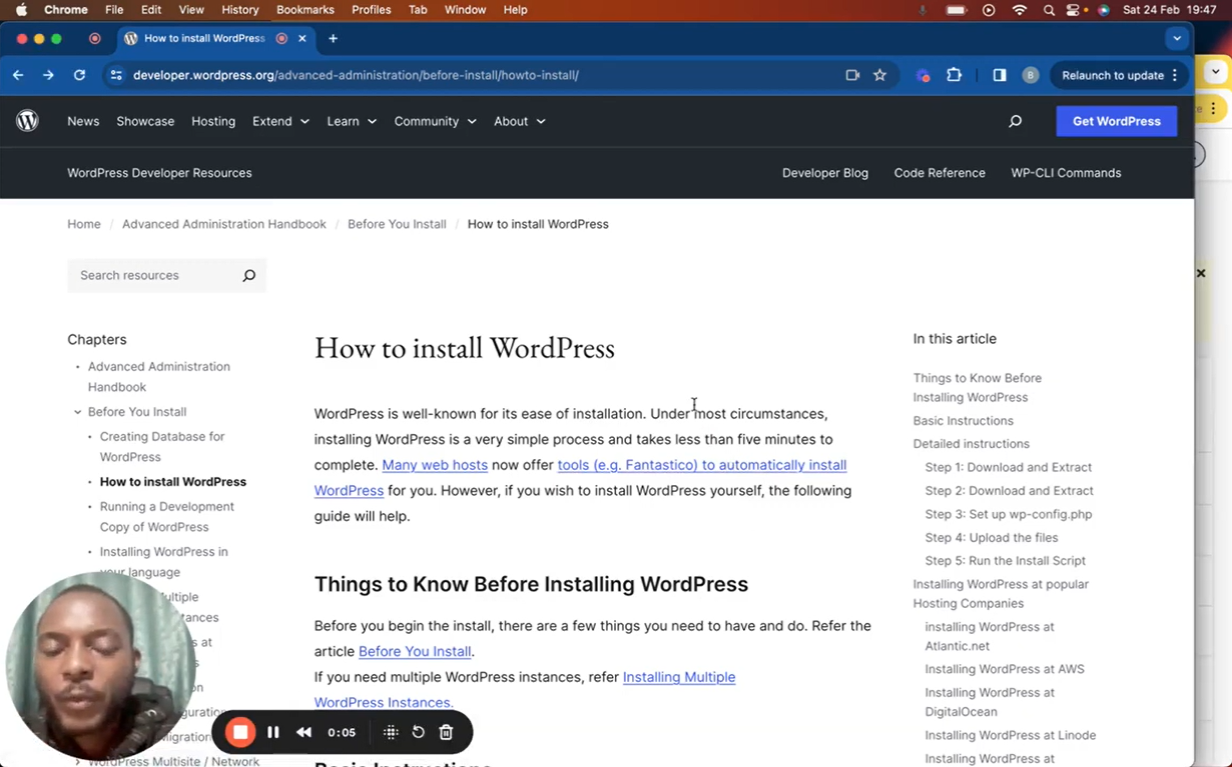
Ready to start your WordPress journey? In this tutorial, I’ll show you the super-easy way to install WordPress using your hosting panel’s tools like Softaculous or Fantastico. It takes just a few minutes! What we’ll cover:
- Installing WordPress in less than 5 minutes
- Choosing your domain and subfolder setup
- Setting your admin username and password
- Important security tips for your new site
Additional Notes: Installing WordPress manually is also possible. Find the official guide here: https://wordpress.org/documentation/a… Make sure your web host uses the latest PHP version for the best WordPress experience. New to WordPress? This is the first video in my “Master WordPress” series. Stay tuned for more tutorials on how to customize your site, add content, and get the most out of this powerful platform!
Leave your comment