
Advanced Form Analytics & Reporting
-
0 sales
- 277 views
- Save
0 /5.0
User review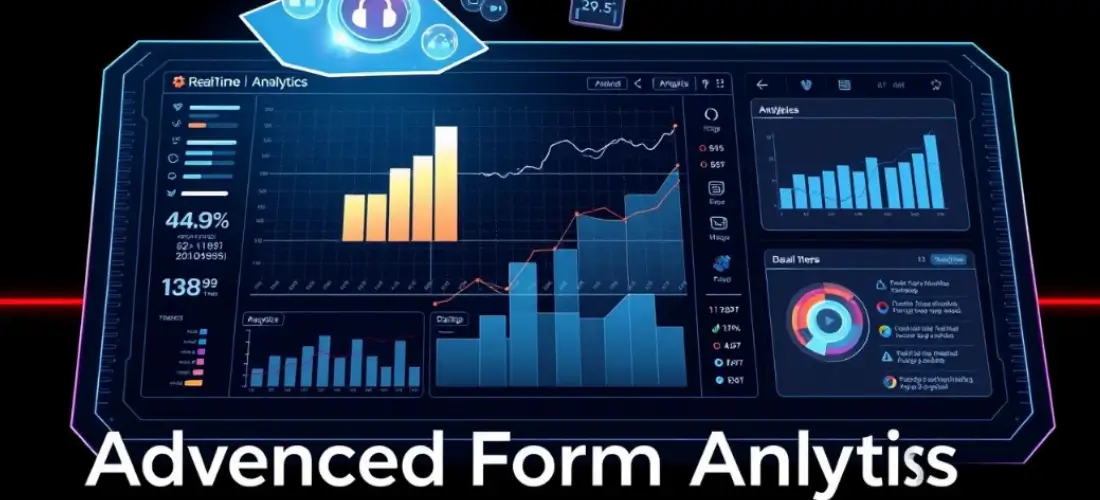


Overview
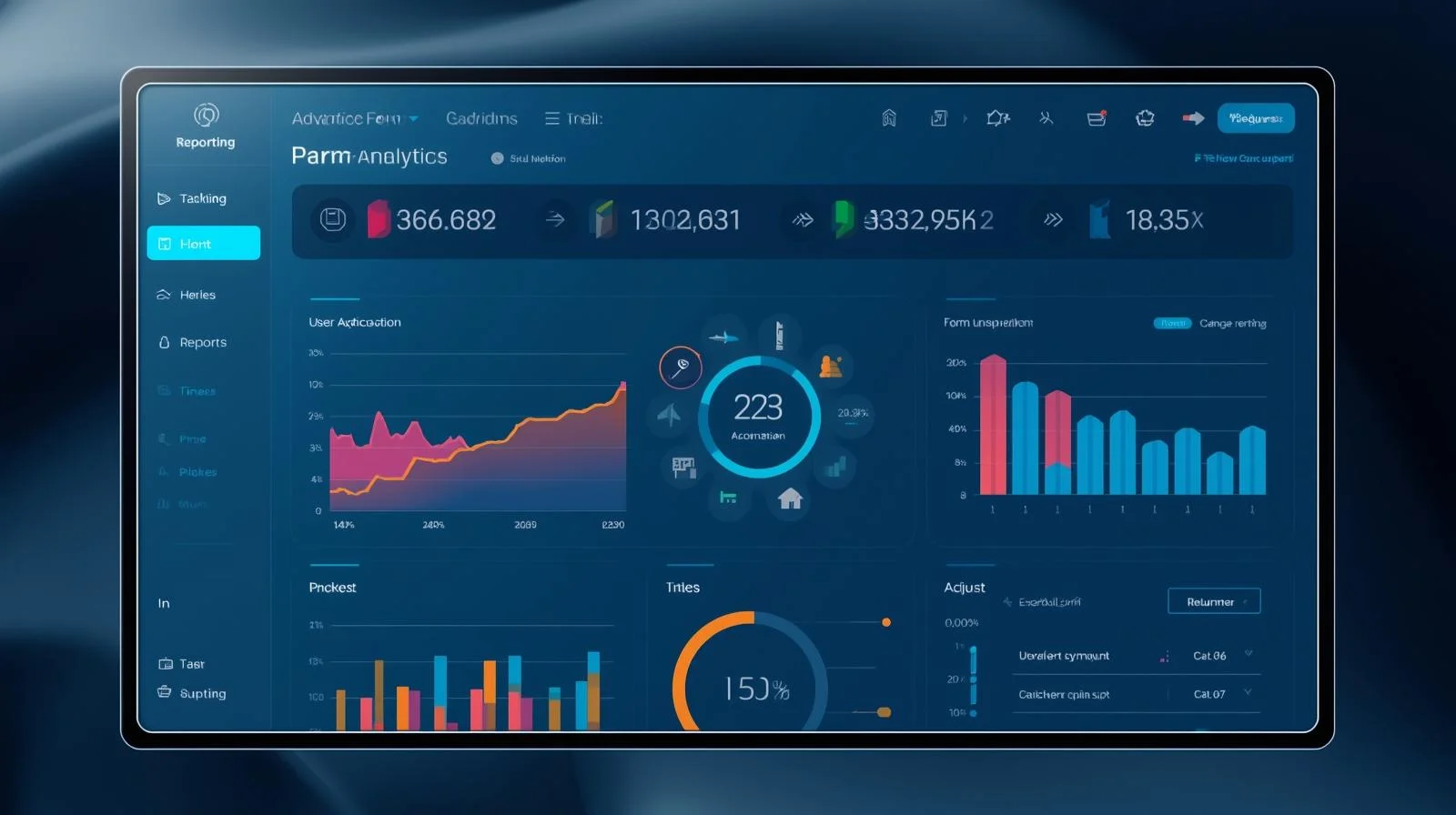
We help businesses implement Advanced Form Analytics & Reporting to gain deep insights into how users interact with web forms. By tracking form field interactions, abandonment points, time to complete, and conversion patterns, we provide the data needed to optimize form performance, increase submissions, and improve user experience.
Objectives
-
Monitor and analyze how users engage with forms in real time
-
Identify friction points that lead to drop-offs or abandonment
-
Improve form UX to boost submission rates and lead quality
-
Enable data-driven A/B testing and optimization decisions
-
Integrate analytics with CRM, BI, and marketing platforms
Key Services
1. Form Audit & Strategy
-
Review all existing web forms (lead generation, contact, checkout, surveys, onboarding)
-
Evaluate current performance: views, starts, completions, field-level engagement
-
Identify goals per form (e.g., lead capture, sign-up, payment, feedback)
-
Define key performance indicators (KPIs): conversion rate, abandonment rate, time to complete, etc.
2. Advanced Tracking Implementation
-
Track granular form metrics such as:
-
Field focus/drop-off points
-
Error rates and validation issues
-
Time spent per field and total time to submit
-
Partial completions and re-visits
-
-
Use tools like:
-
Google Tag Manager (custom tracking)
-
Form analytics platforms (e.g., Hotjar, FullStory, Microsoft Clarity, Formisimo)
-
Custom JavaScript tracking for field-level insights
-
3. Event & Funnel Tracking Setup
-
Configure tracking in Google Analytics 4 (GA4) and/or other analytics tools
-
Create form-specific event funnels:
-
Form viewed → Field focused → Submission started → Submitted
-
-
Track multi-step forms with progress indicators
-
Tag and categorize form types by purpose, audience, or placement
4. Dashboard & Reporting Setup
-
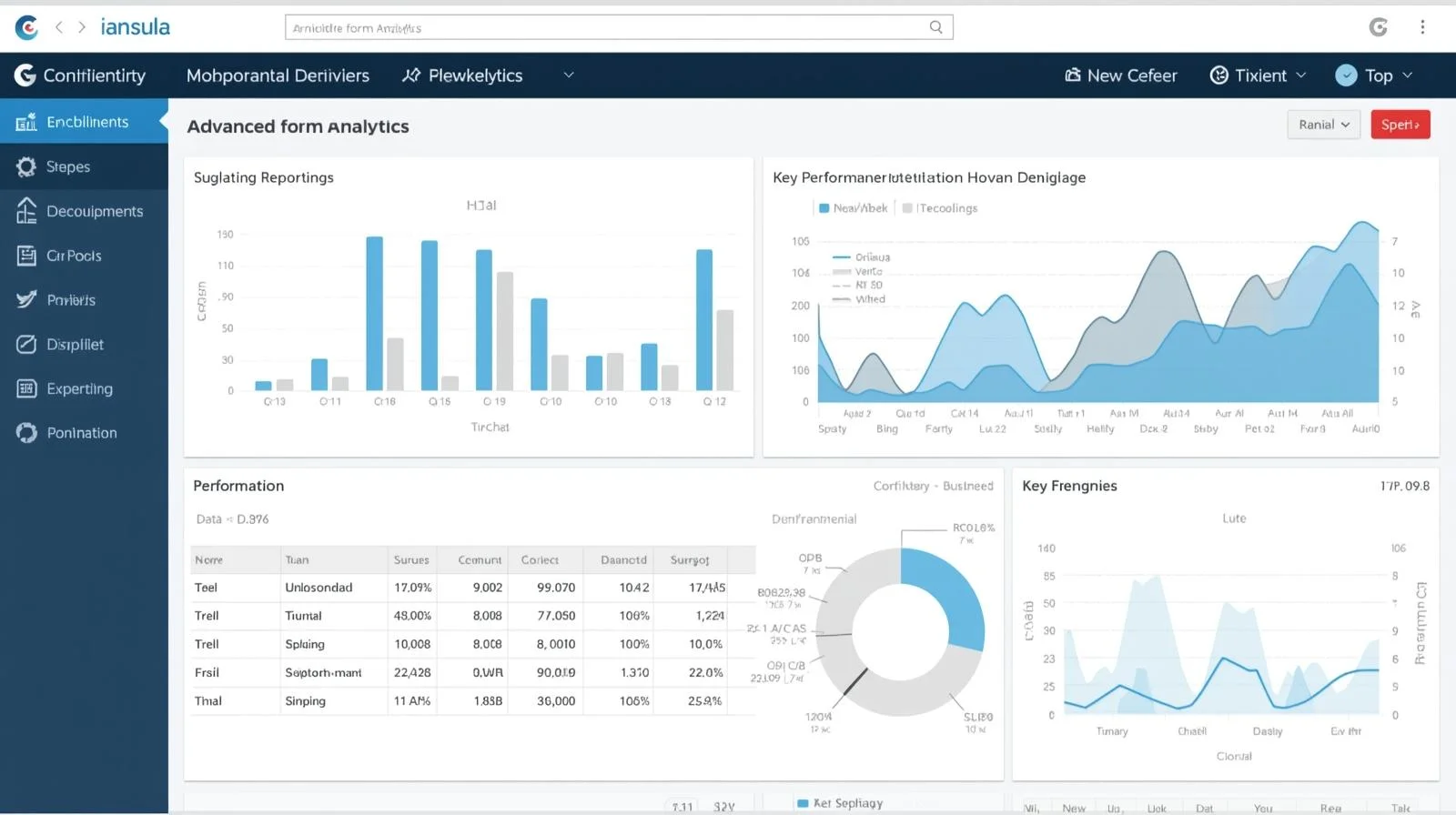
Build real-time dashboards to monitor:
-
Drop-off fields
-
Top error-generating inputs
-
Average completion time
-
Device and browser breakdowns
-
-
Segment reports by traffic source, campaign, location, or user segment
-
Export reports to stakeholders or sync with CRM/BI platforms
5. Form Optimization Recommendations
-
Use data insights to recommend:
-
Field removals, merges, or rearrangements
-
Inline validations or tooltips
-
Mobile-friendly input improvements
-
Visual changes (e.g., labels, spacing, progress bars)
-
-
Implement A/B testing of revised forms and monitor results
Optional Advanced Features
-
Session Replay Integration: View real user interactions to detect usability issues
-
AI-Based Form Predictions: Predict drop-offs or lead quality based on interaction patterns
-
CRM-Enriched Analytics: Correlate form behavior with lead conversion and deal success
-
Real-Time Alerting: Get notified of submission errors or high abandonment rates
-
Form Personalization: Dynamically show/hide fields based on behavior or segment
Ideal Use Cases
| Scenario | Benefit |
|---|---|
| Marketing Forms | Optimize conversion rates and reduce friction for lead capture |
| E-commerce Checkout | Improve cart completion rates by identifying confusing form fields |
| SaaS Signups | Streamline onboarding and improve user acquisition |
| Feedback Surveys | Ensure higher completion rates and actionable insights |
| Multi-Step Applications | Analyze and optimize step-by-step flow performance |
Additional services
-
0 $
-
0 $
-
0 $
-
0 $
-
0 $