
Automated Inventory Sync with CRM
-
0 sales
- 287 views
- Save
0 /5.0
User review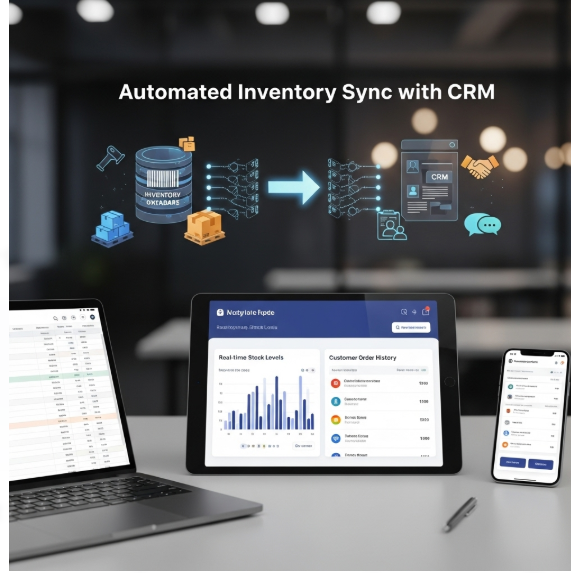

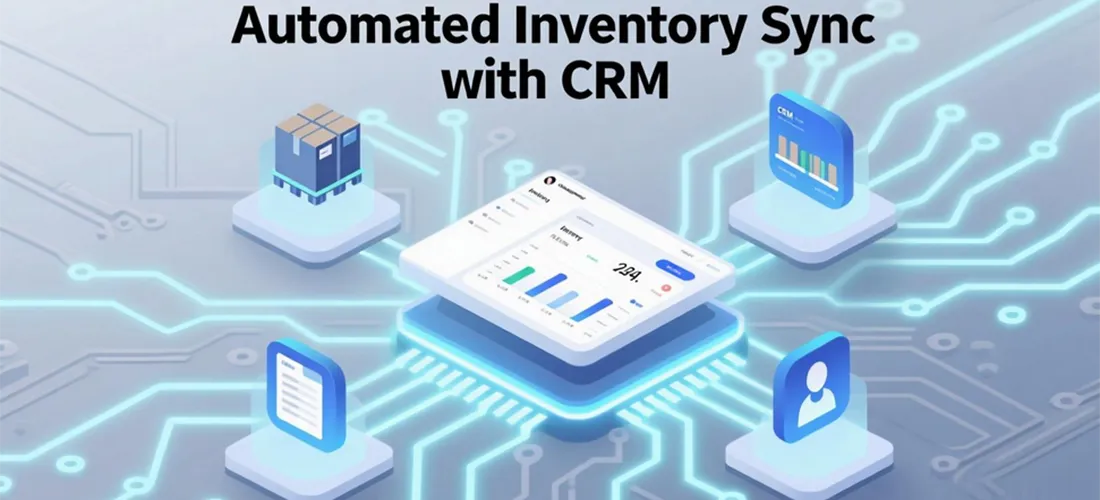


Scope of Work: Automated Inventory Sync with CRM
1. Discovery & Audit
- Review client’s current inventory management system and CRM.
- Identify all data points to be synced (stock levels, SKUs, product details, pricing).
- Map integration needs: one-way vs two-way sync.
- Audit existing manual processes and pain points (delays, inaccuracies, missed sales).
2. Strategy & Planning
- Define sync frequency (real-time, hourly, daily).
- Set rules for inventory updates (low stock alerts, backorder handling, discontinued products).
- Establish system of record (which platform is the master for inventory data).
- Plan user access and permissions.
3. Workflow Design
- Inbound Sync: Inventory updates from ERP/e-commerce system to CRM.
- Outbound Sync: Customer orders from CRM to inventory system.
- Real-time Alerts: Low stock notifications to sales and fulfillment teams.
- Automation Rules: Auto-hide out-of-stock products from sales catalogs.
4. Implementation
- Connect CRM with inventory system via APIs, middleware (Zapier, Workato, Mulesoft), or native integrations.
- Configure data mapping for SKUs, product names, pricing, availability.
- Automate workflows for stock updates, order fulfillment, and backorder tracking.
- Enable syncing across all sales channels (e-commerce, POS, marketplaces).
5. Optimization
- Ensure sync avoids duplicates, errors, and delays.
- Set thresholds for safety stock to prevent overselling.
- Configure reporting dashboards inside CRM for real-time stock visibility.
6. Testing & QA
- Test sync accuracy between systems with sample orders and stock changes.
- Validate update speed (real-time or scheduled).
- Confirm low stock alerts trigger correctly.
- Check failover handling for API downtime.
7. Reporting
- Provide dashboard/report on:
- Stock levels by product.
- Backorders and fulfillment delays.
- Sales impact of inventory availability.
- Track sync success rate and error logs.
8. Ongoing Monitoring & Support
- Continuous monitoring of API/integration health.
- Regular updates as CRM or inventory systems evolve.
- Monthly sync audits to validate accuracy.
- Expand automation for new products or sales channels.
Value Delivered
- Accurate, real-time inventory visibility.
- Reduced overselling, stockouts, and fulfillment errors.
- Improved customer experience with reliable availability.
- Streamlined operations with automated data flow.
- Scalable integration supporting future growth.
Additional services
-
0 $
-
0 $
-
0 $
-
0 $
-
0 $