
CRM-integrated Project Tracking
-
0 sales
- 572 views
- Save
0 /5.0
User review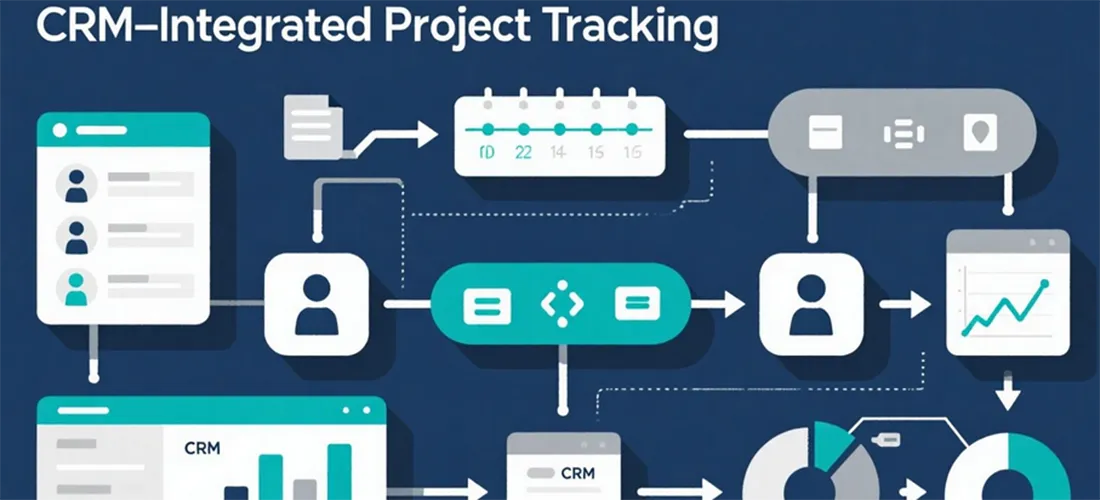


Overview
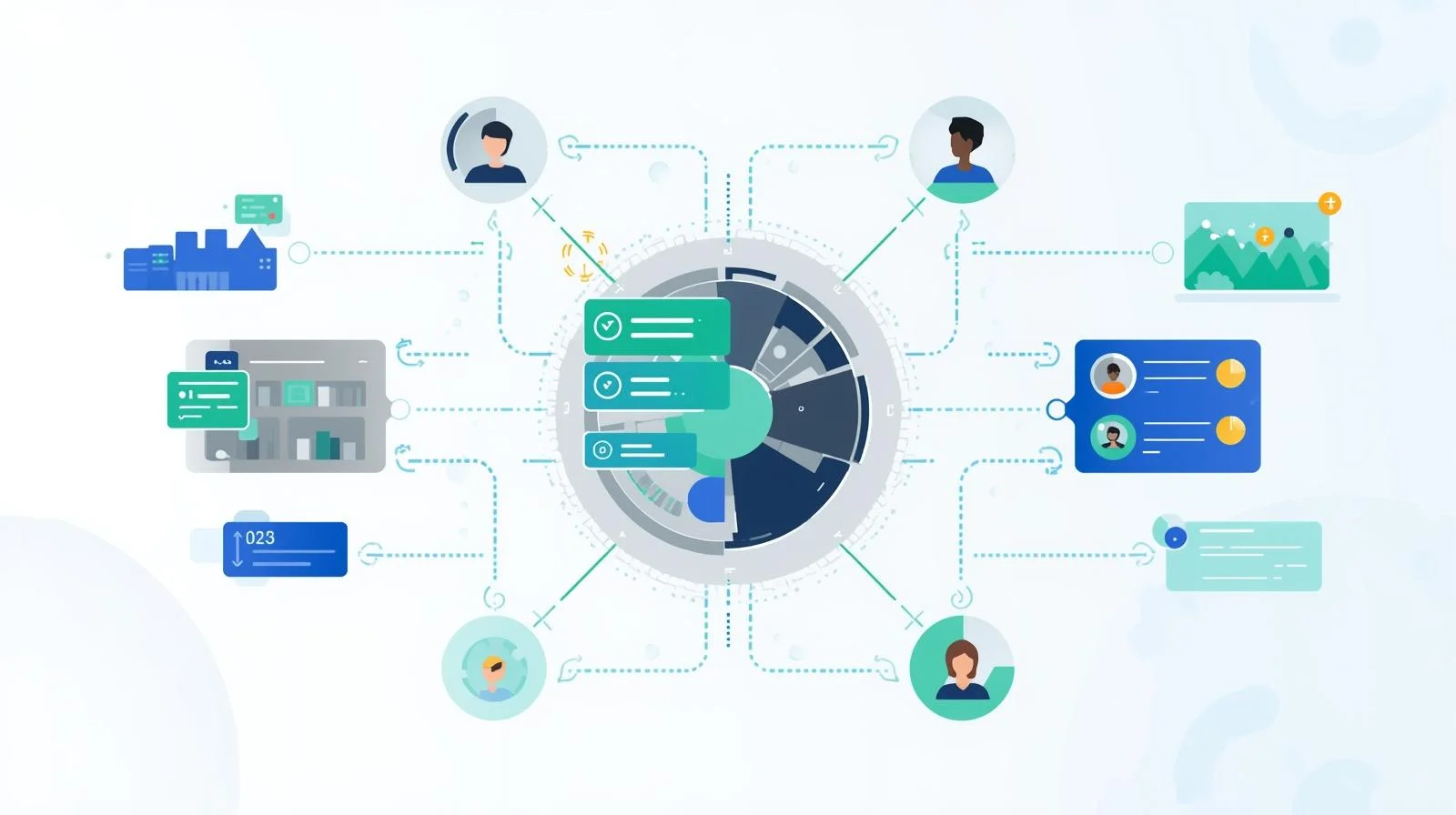
We help organizations implement CRM-Integrated Project Tracking to unify project management and customer relationship workflows. By connecting project tracking systems with CRM data, businesses can gain real-time visibility into project progress, resource allocation, and client interactions.
Objectives
-
Centralize project tracking and CRM data for a comprehensive overview
-
Enable real-time updates on tasks, milestones, and project statuses
-
Link projects with client accounts, leads, and opportunities
-
Improve collaboration across teams with shared visibility and notifications
-
Provide analytics and reporting for project performance and client impact
Key Services
1. Strategy & Planning
-
Assess existing project tracking and CRM workflows
-
Define objectives for integration, reporting, and collaboration
-
Map CRM data points (contacts, accounts, deals) to project management entities
-
Establish KPIs for project progress, resource utilization, and client satisfaction
2. Design & Development
-
Configure project tracking modules within the CRM or connected platform
-
Link tasks, milestones, and deliverables to CRM records
-
Implement dashboards for real-time project status and client engagement
-
Design workflows for task assignments, approvals, and notifications
3. Integration & Automation
-
Integrate CRM with project management tools (e.g., HubSpot Projects, Jira, Asana)
-
Automate data synchronization for tasks, deadlines, and project updates
-
Enable automated alerts and reminders for project milestones and client actions
-
Track time, budgets, and resource allocation within the CRM environment
4. Testing & Quality Assurance
-
Test integration for data accuracy, synchronization, and functionality
-
Validate workflow automation and notifications
-
Conduct user acceptance testing (UAT) to ensure ease of use
-
Optimize dashboards and reporting for actionable insights
5. Monitoring & Reporting
-
Track project progress, task completion, and client interactions
-
Provide dashboards or reports for project performance, delays, and risks
-
Analyze trends to improve project workflows and client management
-
Recommend optimizations for ongoing tracking efficiency
Optional Advanced Features
-
AI-driven project forecasting based on CRM and historical data
-
Automated project status updates and risk alerts
-
Integration with time-tracking and billing systems for client projects
-
Multi-project dashboards for resource allocation and prioritization
-
Personalized notifications and reporting per team member or client
Ideal Use Cases
| Scenario | Benefit |
|---|---|
| Client-Facing Projects | Link project progress to client accounts for transparency |
| Internal Team Management | Centralize tasks and milestones for better collaboration |
| Professional Services | Track deliverables, deadlines, and billable hours per client |
| SaaS Implementation | Coordinate onboarding tasks linked to CRM opportunities |
| Multi-Project Environments | Gain a consolidated view of all ongoing projects and resources |
Additional services
-
0 $
-
0 $
-
0 $
-
0 $
-
0 $