
CRM Workflow Optimization & Troubleshooting
-
0 sales
- 286 views
- Save
0 /5.0
User review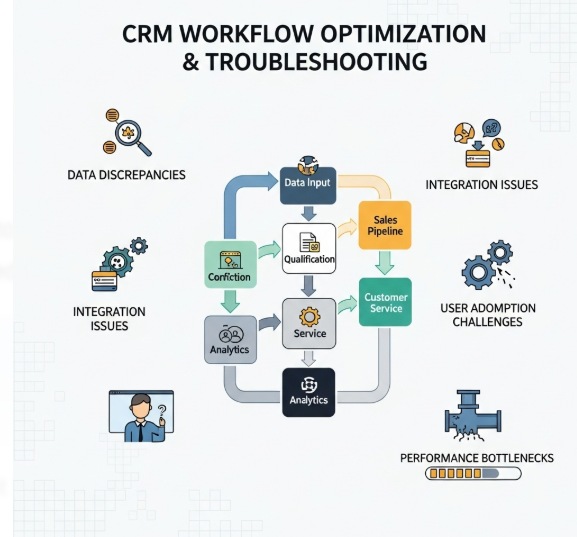
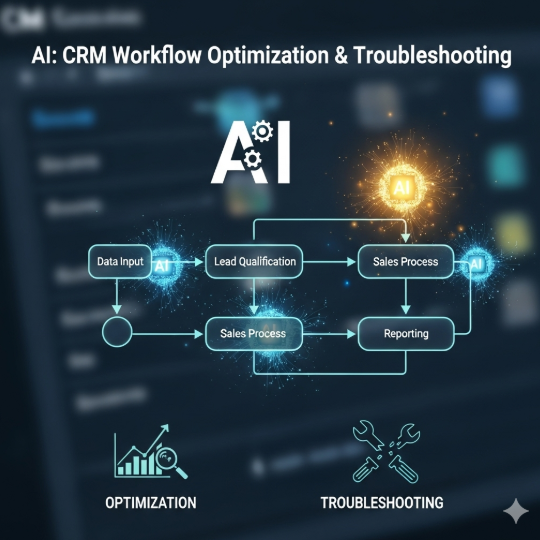
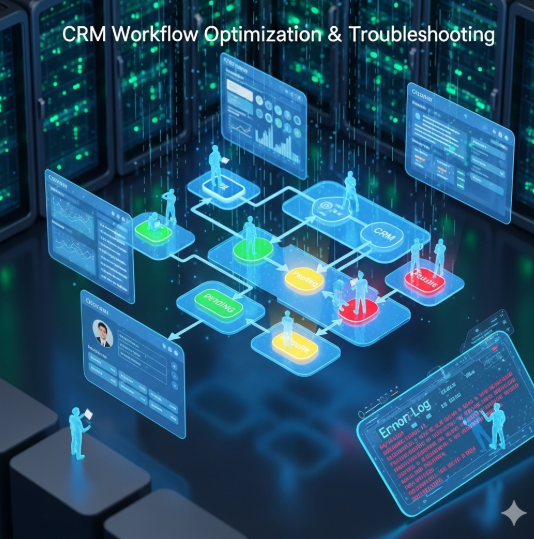



CRM Workflow Optimization & Troubleshooting
1. Workflow Design & Standardization
- Map end-to-end customer lifecycle stages (lead → opportunity → customer → renewal).
- Standardize workflow rules for lead assignment, follow-ups, and escalations.
- Define clear SLAs and automation triggers (e.g., lead response time < 5 minutes).
2. Automation Optimization
- Automate repetitive tasks (task creation, reminders, notifications).
- Use conditional logic to route leads/accounts to the right owner/team.
- Implement multi-step nurture workflows with personalized touchpoints.
- Reduce redundant or conflicting workflows to prevent bottlenecks.
3. Data Quality & Enrichment
- Ensure accurate data capture with validation rules and deduplication.
- Use progressive profiling and third-party enrichment for deeper insights.
- Maintain ongoing data cleansing to improve workflow performance.
4. Monitoring & Troubleshooting
- Track workflow execution logs for errors and delays.
- Identify stuck records or broken automation loops.
- Monitor API/webhook failures and retry mechanisms.
- Use error alerts to notify admins when workflows fail.
5. Performance Analytics
- Measure workflow effectiveness (conversion rates, SLA adherence, time-to-close).
- Run A/B testing on workflow logic (e.g., lead routing strategies).
- Monitor workload distribution to avoid sales/support team overload.
6. Continuous Improvement
- Regularly review automation rules for alignment with business goals.
- Collect user feedback from CRM teams to identify workflow pain points.
- Apply best practices from high-performing workflows across the system.
7. Security & Compliance
- Implement role-based access to workflows and sensitive automations.
- Audit workflow logs for compliance (GDPR, HIPAA, SOC 2).
- Ensure workflows involving customer data follow encryption and retention policies.
Additional services
-
0 $
-
0 $
-
0 $
-
0 $
-
0 $