
Custom Chatbot Reporting Dashboards
-
0 sales
- 283 views
- Save
0 /5.0
User review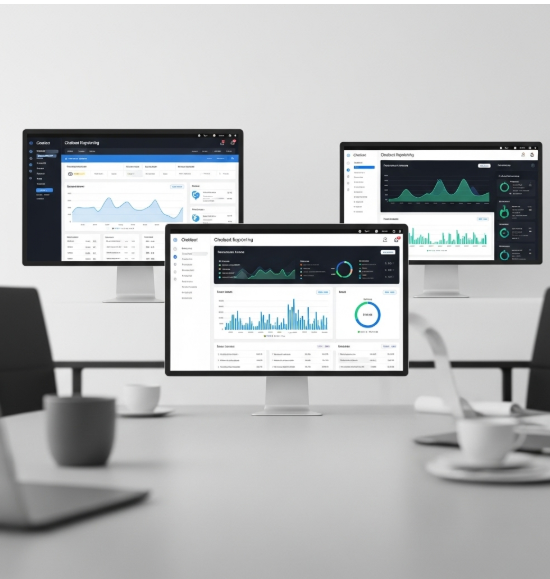


Scope of Work: Custom Chatbot Reporting Dashboards
1. Discovery & Requirements Gathering
- Identify client’s chatbot platforms (HubSpot, Intercom, Drift, Zendesk, custom-built).
- Define key goals: lead generation tracking, support performance, customer engagement insights, or revenue impact.
- Collect requirements from stakeholders (marketing, sales, support, product).
- Document KPIs to measure (conversion rates, response times, satisfaction scores, retention).
2. Data Audit & Integration Planning
- Audit available chatbot data (conversations, intents, flows, drop-off points, outcomes).
- Identify integrations required:
- CRM (HubSpot, Salesforce, Zoho)
- Support platforms (Zendesk, Freshdesk)
- Analytics tools (Google Analytics, Mixpanel)
- BI tools (Power BI, Tableau, Looker)
- Define data sync method (APIs, webhooks, middleware, direct exports).
3. Dashboard Design
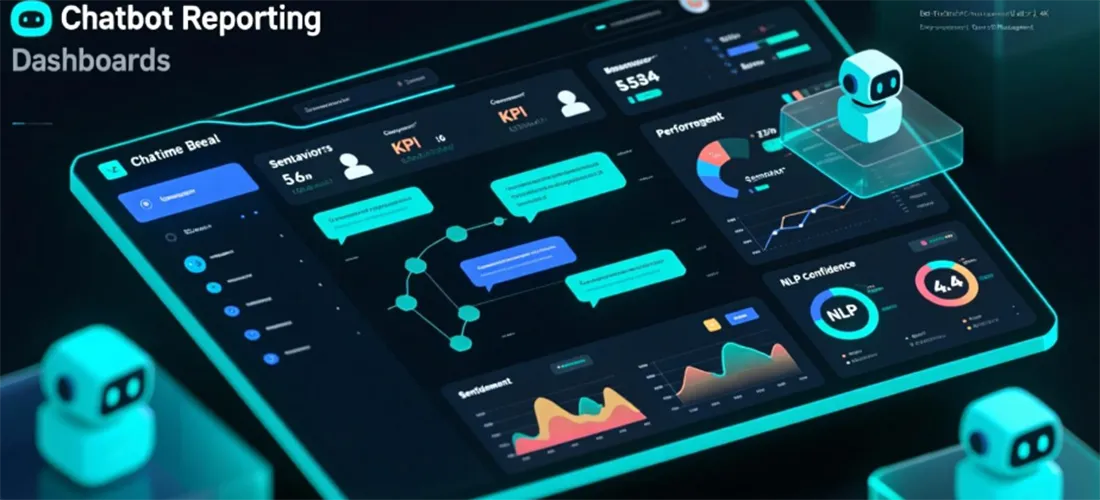
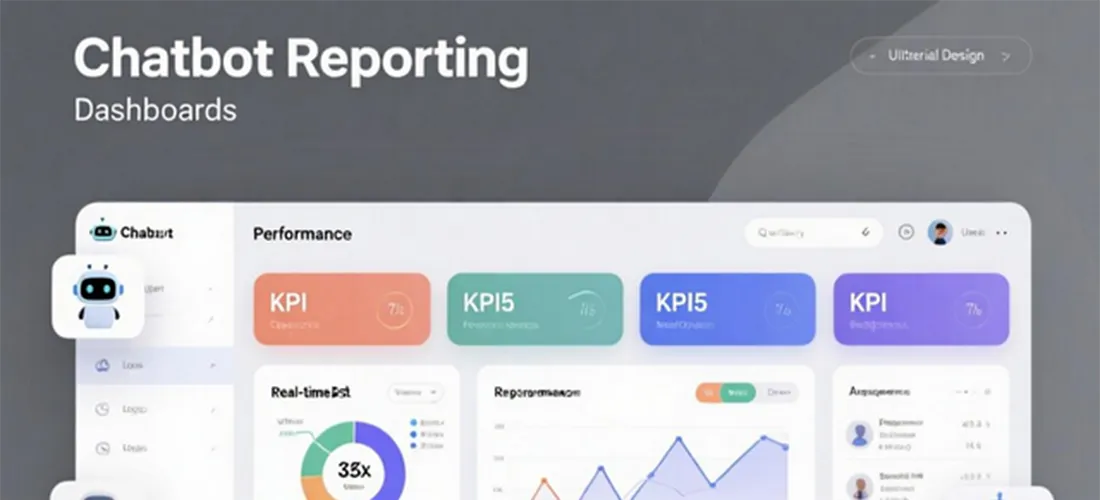
- Design dashboard wireframes with multiple views:
- Engagement Metrics: number of conversations, active users, engagement rate.
- Performance Metrics: average response time, resolution time, escalation rate.
- Conversion Metrics: leads captured, meetings booked, sales assisted, revenue influenced.
- User Experience Metrics: CSAT scores, sentiment analysis, drop-off points.
- Bot Optimization Insights: top intents, failed intents, escalation triggers.
- Role-based dashboards (marketing, sales, support, leadership).
4. Implementation
- Connect chatbot data sources to reporting system.
- Configure ETL pipelines for structured data flow.
- Build custom visualizations: funnels, heatmaps, trend lines, comparison charts.
- Enable drill-down features for conversation-level analysis.
- Set up automated refresh schedules (real-time or periodic updates).
5. Testing & QA
- Validate accuracy of metrics against raw chatbot logs.
- Test cross-platform sync (chatbot ↔ CRM ↔ analytics).
- Check dashboard load times and mobile accessibility.
- Ensure correct permissions and access controls.
6. Reporting & Dashboards Delivery
- Deploy interactive dashboards in BI tool or inside CRM.
- Provide automated reporting (weekly/monthly performance summaries).
- Enable custom export options (CSV, PDF, Excel).
- Train users on dashboard navigation and insights interpretation.
7. Optimization
- Continuously refine reporting structure based on stakeholder feedback.
- Add predictive insights (churn risk, conversation outcomes, revenue forecasting).
- Incorporate AI-powered sentiment analysis and trend detection.
- Expand dashboards with multi-channel data (chat, email, SMS, social).
8. Ongoing Monitoring & Support
- Regular data quality checks.
- Update dashboard as chatbot capabilities or business needs evolve.
- Provide technical and strategic support for chatbot optimization.
- Schedule quarterly performance reviews with stakeholders.
Value Delivered
- Complete visibility into chatbot performance and ROI.
- Improved decision-making on chatbot strategy and automation design.
- Enhanced customer experience through conversation optimization.
- Increased sales and support efficiency with actionable insights.
- Scalable reporting framework for future chatbot and AI initiatives.
Additional services
-
0 $
-
0 $
-
0 $
-
0 $
-
0 $