
Dynamic Email Signature Management
-
0 sales
- 290 views
- Save
0 /5.0
User review
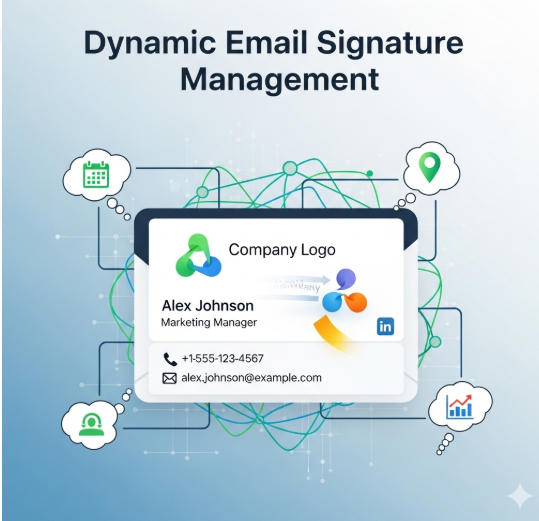

Dynamic Email Signature Management – Full Scope
1. Discovery & Assessment
- Audit current email signature practices across the organization
- Identify branding, compliance, and marketing requirements
- Map email systems in use (Outlook, Gmail, Exchange, Microsoft 365, Google Workspace)
- Assess user roles, departments, and signature variations needed
2. Strategy & Design
- Define consistent branding, legal disclaimers, and regulatory compliance elements
- Design dynamic signature templates tailored to user roles, departments, or regions
- Plan for automated updates, centralized management, and campaign-specific banners
3. Implementation & Integration
- Deploy email signature management solution compatible with existing email systems
- Integrate with directory services (Active Directory, Google Workspace) to pull user details dynamically
- Automate signature assignment, updates, and version control across all users
- Enable personalized marketing banners, promotions, or legal notices in signatures
4. Automation & Workflow Management
- Set up rules for dynamic content based on department, region, role, or campaign
- Schedule automatic updates for seasonal campaigns, compliance changes, or new branding
- Provide fallback options for users outside automated workflows
5. Monitoring & Reporting
- Track signature adoption and usage across the organization
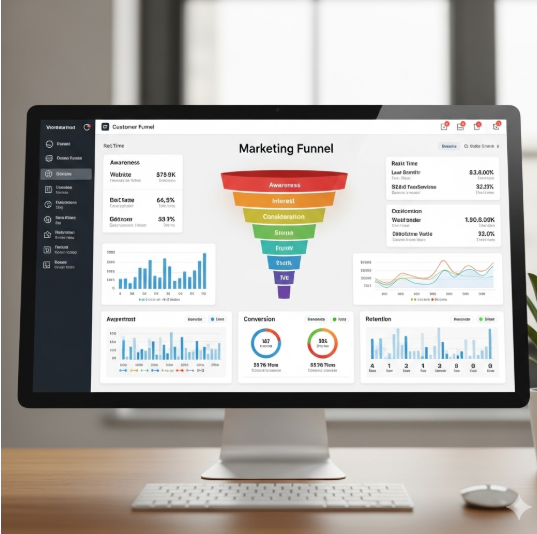
- Generate reports on signature compliance, marketing banner visibility, and engagement metrics (e.g., click-throughs)
- Monitor for inconsistencies, outdated information, or unauthorized changes
6. Security & Compliance
- Ensure secure handling of user data in signature templates
- Align with data privacy regulations (GDPR, CCPA, POPIA)
- Maintain audit logs of changes, updates, and approvals
7. Training & Support
- Provide training for IT administrators and end-users on using dynamic signatures
- Create documentation for template management, updates, and troubleshooting
- Offer ongoing technical support for integration and updates
8. Continuous Optimization
- Refine signature templates and workflows based on analytics and user feedback
- Update dynamic content for marketing campaigns, promotions, or compliance requirements
- Scale solution for new users, departments, or international offices
Value Delivered
- Consistent, professional email signatures across the organization
- Dynamic personalization for marketing, branding, and legal compliance
- Reduced manual updates and administrative overhead
- Centralized control with real-time updates and analytics
- Improved brand visibility and engagement through email communications
Additional services
-
0 $
-
0 $
-
0 $
-
0 $
-
0 $