
Interactive Webinar Integration
-
0 sales
- 333 views
- Save
0 /5.0
User review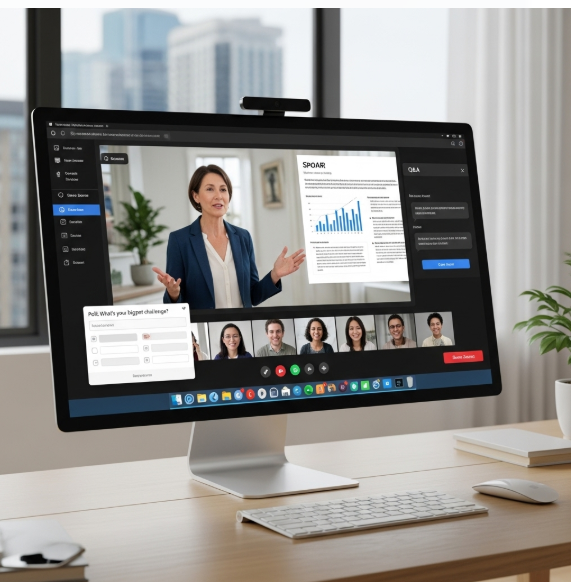
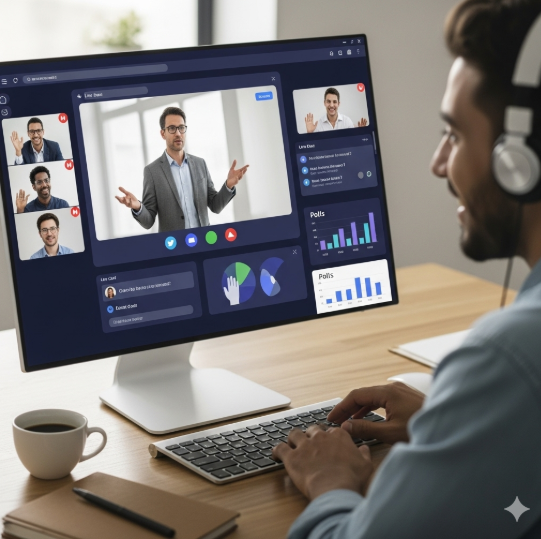
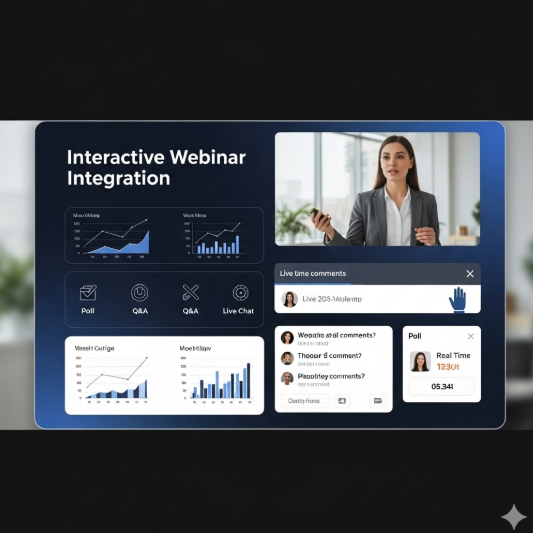

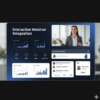
Interactive Webinar Integration
1. Discovery & Assessment
- Audit current webinar tools, platforms, and processes.
- Identify business objectives: improve attendee engagement, lead generation, and seamless CRM integration.
- Map key touchpoints in the attendee journey: registration, reminders, live participation, and follow-up.
- Assess available integrations with CRM, marketing automation, and analytics platforms.
2. Strategy & Planning
- Define integration goals:
- Centralize webinar registration and attendance tracking
- Automate follow-ups, reminders, and lead nurturing
- Enable real-time engagement analytics and reporting
- Establish KPIs: registration rate, attendance rate, engagement metrics, and conversion rate.
- Segment audience for targeted invitations, content, and post-webinar campaigns.
3. Registration & Automation Setup
- Implement webinar registration forms integrated with CRM for automatic lead capture.
- Configure automated confirmation emails, calendar invites, and reminders.
- Set up attendee segmentation and tagging based on registration data and behavior.
- Enable workflows for post-webinar follow-up, lead scoring, and nurturing.
4. Engagement & Interaction Features
- Integrate live polls, Q&A sessions, chat, and interactive surveys during webinars.
- Enable personalized content and recommendations based on attendee behavior.
- Track engagement metrics such as time spent, poll responses, and questions asked.
- Sync engagement data with CRM for actionable insights and segmentation.
5. Testing & Quality Assurance
- Test registration, reminders, and CRM data sync.
- Validate interactive features, streaming quality, and accessibility across devices.
- Ensure proper tracking of attendee behavior and engagement metrics.
- Confirm automated workflows and post-webinar processes function correctly.
6. Reporting & Analytics
- Track metrics including registration, attendance, engagement, and conversions.
- Analyze attendee behavior by segment, source, or campaign.
- Generate dashboards for marketing, sales, and event teams.
- Use insights to optimize webinar content, timing, and targeting strategies.
7. Optimization & Continuous Improvement
- Refine registration forms, email workflows, and engagement tools based on analytics.
- Test different content formats, delivery methods, and interactive features.
- Continuously update integration and automation rules for improved lead conversion.
- Align webinar strategies with broader marketing and sales campaigns.
8. Ongoing Monitoring & Support
- Monitor webinar platform performance, CRM integration, and automation workflows.
- Provide technical support and troubleshooting during live events.
- Maintain integrations, data accuracy, and reporting dashboards.
- Conduct periodic audits to ensure engagement tracking and lead management remain effective.
Value Delivered
- Streamlined, CRM-integrated webinar experience from registration to follow-up.
- Enhanced attendee engagement through interactive features and personalized content.
- Real-time insights into attendee behavior for better marketing and sales decisions.
- Increased lead capture, nurturing, and conversion through automated workflows.
- Scalable solution for running consistent, data-driven, and interactive webinars.
Additional services
-
0 $
-
0 $
-
0 $
-
0 $
-
0 $