
Single Sign-On (SSO) Implementation
-
0 sales
- 279 views
- Save
0 /5.0
User review
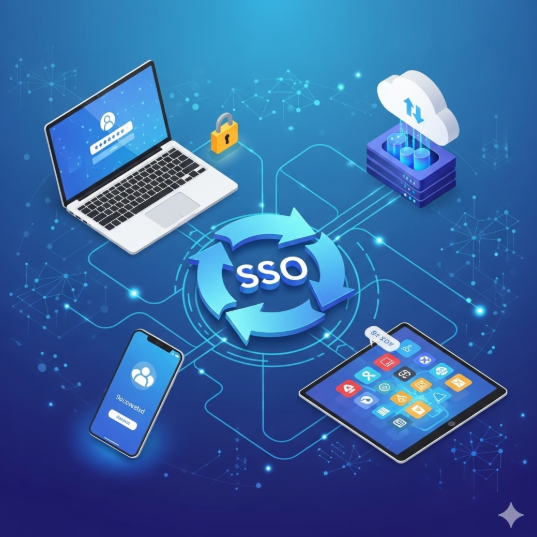




Single Sign-On (SSO) Implementation
1. Discovery & Assessment
- Review current authentication systems and user management processes.
- Identify business requirements: seamless user access, security compliance, and multi-platform integration.
- Assess existing applications, platforms, and identity providers for SSO compatibility.
- Map user roles, permissions, and access levels.
2. Strategy & Planning
- Define SSO objectives:
- Centralized authentication for all enterprise applications
- Improved user experience with one set of credentials
- Strengthened security via standard protocols (SAML, OAuth, OpenID Connect)
- Determine supported devices, platforms, and applications.
- Establish KPIs: login success rate, reduced password reset requests, user adoption.
3. Identity Provider (IdP) Configuration
- Select or configure identity provider (Azure AD, Okta, OneLogin, Ping Identity).
- Set up user directories, groups, and roles.
- Configure authentication protocols (SAML, OAuth2, OpenID Connect) as required.
- Implement multi-factor authentication (MFA) if needed for additional security.
4. Application Integration
- Integrate SSO with internal and third-party applications.
- Configure service provider (SP) settings for each connected application.
- Test SSO login flows, session management, and logout behavior.
- Ensure role-based access control is maintained post-integration.
5. Testing & Quality Assurance
- Perform end-to-end testing of authentication workflows.
- Validate access across devices, browsers, and network environments.
- Test edge cases: expired credentials, session timeouts, MFA challenges.
- Ensure logging and monitoring of authentication events for audit purposes.
6. User Training & Documentation
- Provide training for end-users on SSO login and troubleshooting.
- Document setup, configurations, and escalation procedures.
- Create support materials for IT teams and helpdesk staff.
7. Deployment & Rollout
- Gradually roll out SSO across user groups to ensure smooth adoption.
- Monitor adoption, login success rates, and error reports.
- Provide dedicated support during transition to SSO.
8. Monitoring & Maintenance
- Continuously monitor authentication logs for security and performance.
- Update configurations for new applications or changes in user roles.
- Maintain compliance with security standards and best practices.
- Review and optimize SSO setup periodically for efficiency and reliability.
Value Delivered
- Simplified, secure, and unified access across all enterprise applications.
- Reduced password-related support tickets and administrative overhead.
- Enhanced user experience with single credentials and optional MFA.
- Stronger compliance and auditability of access management.
- Scalable and flexible solution for future applications and integrations.
Additional services
-
0 $
-
0 $
-
0 $
-
0 $
-
0 $