
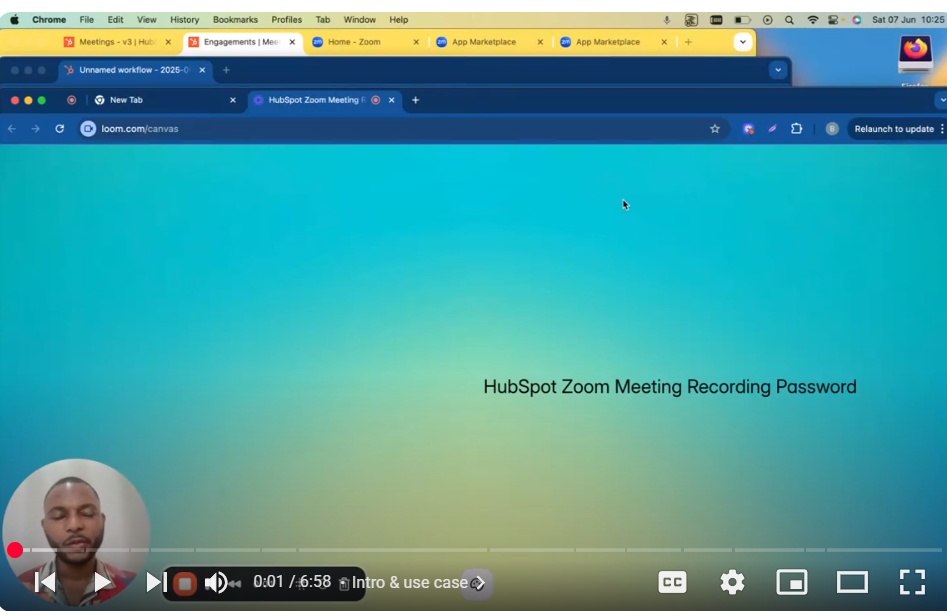
🔑 How to Retrieve Zoom Meeting Recording Password via API Integration (HubSpot & Zoom) 🔑 In this step-by-step tutorial, I’ll show you how to automatically fetch the password for Zoom meeting recordings using HubSpot’s Engagement API and Zoom’s server-to-server authentication app. You’ll learn:
- How to set up API integrations using HubSpot and Zoom.
- Steps to build a secure Zoom app using Server-to-Server authentication.
- Fetching the Zoom meeting ID and password through API endpoints.
- Automatically including meeting links and passwords in HubSpot workflow emails.
By following these steps, you can easily send secured Zoom recordings to your meeting attendees without manually retrieving passwords.
✅ If you found this video helpful, please subscribe, like, and hit the notification bell for more tech tutorials! Thanks for watching!
🚀 Watch next:
0:00 Intro & use case
0:08 Why Zoom recordings still ask for a password
0:32 Overview of the HubSpot + Zoom integration
0:52 Step 1: Get your meeting ID via Engagements API
1:00 Step 2: Fetch the recording password from Zoom
1:20 Zoom API endpoints & docs (link below)
1:50 How to set up your Zoom Server-to-Server OAuth app
2:06 Creating scopes & activating your Zoom app
3:34 Which Zoom scopes you need (cloud_recording:read:list_recording_files, etc.)
4:13 Generating an access token for your app
4:36 Looping through metadata to pull share_url & password
5:01 Building the output fields in HubSpot
5:24 Passing the URL + password into your workflow email
5:56 Sending the recording link & password via HubSpot email
6:05 Wrap up & next steps
📚 Helpful Links: Zoom App Marketplace: https://marketplace.zoom.us HubSpot Engagements API https://developers.hubspot.com/docs/g… Zoom “Get Meeting Recordings” API https://developers.zoom.us/docs/api/r… Zoom Server-to-Server OAuth Setup https://developers.zoom.us/docs/inter…
▶️ Try it yourself Create a Zoom Server-to-Server OAuth app → copy your Client ID, Client Secret, Account ID Activate these scopes in Zoom App Marketplace: scheduler.meetings.meeting-link.read cloud_recording:read:list_recording_files cloud_recording:read:list_recording_files:admin meeting:write:sip_dialing:admin (if you need SIP URI) Build your HubSpot custom action using the code snippets in the description Embed your unlocked recording link & password into a HubSpot Workflow email template Share the recording—no extra password entry required! 👍 If this helped you out, please like, comment, and subscribe for more HubSpot & Zoom automation tutorials!
🔔 Hit the bell to get notified about future API deep dives and workflow hacks.
Leave your comment